2-3
Printing Operation
Printing a Status Page
After completing the network settings, print a status page. The status
page allows you to confirm a range of information, including network
addresses and network protocols.
To print a status page, select Print Status Page from the Report Print
menu.
Refer to Report Print on page 4-11 for detailed information.
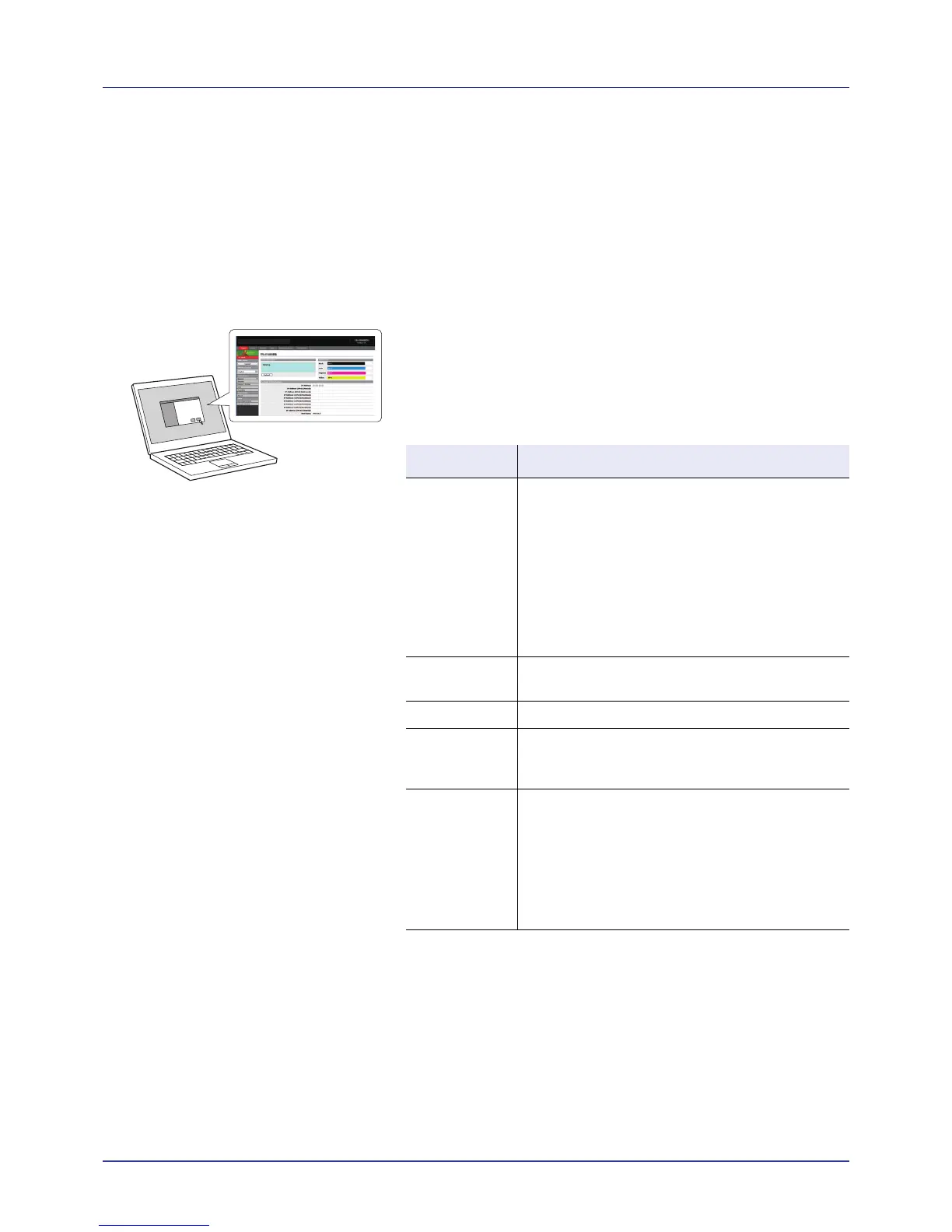
Embedded Web Server
Embedded Web Server is a tool that is accessed from a PC using a web
browser to let you manage and configure settings for the print system.
You can check the printer status and current settings, and change
network and security settings.
Main Items in Embedded Web Server
For details, refer to the Embedded Web Server Operation Guide.
Main Items
Basic • Device settings such as Time and Operation
Panel Language settings.
• Basic Network settings such as IP Address and
DHCP settings.
• Device Security settings such as Lock Operation
Panel and Interface Block settings.
• Network Security settings such as protocol
restriction and certificate settings.
Other settings
Printer • Printing Function settings such as Default Printer
Resolution and Copy Count settings.
Jobs • Information on job status and job logs.
Document Box • Document Box settings such as addition and
deletion of a document box and deletion of
documents in a document box.
Advanced • Advanced settings for network protocols such as
TCP/IP, and NetWare.
• Management settings such as authentication and
LDAP settings.
• Advanced settings for network security such as
SSL and IPSec.
Other settings














 To Next Page