A-11
Appendix
Activate applications
Enter a license key to activate the applications.
1 Press Z while Op functions > is displayed.
2 Press U or V repeatedly until >UG-33 Activate appears.
3 Press Z.
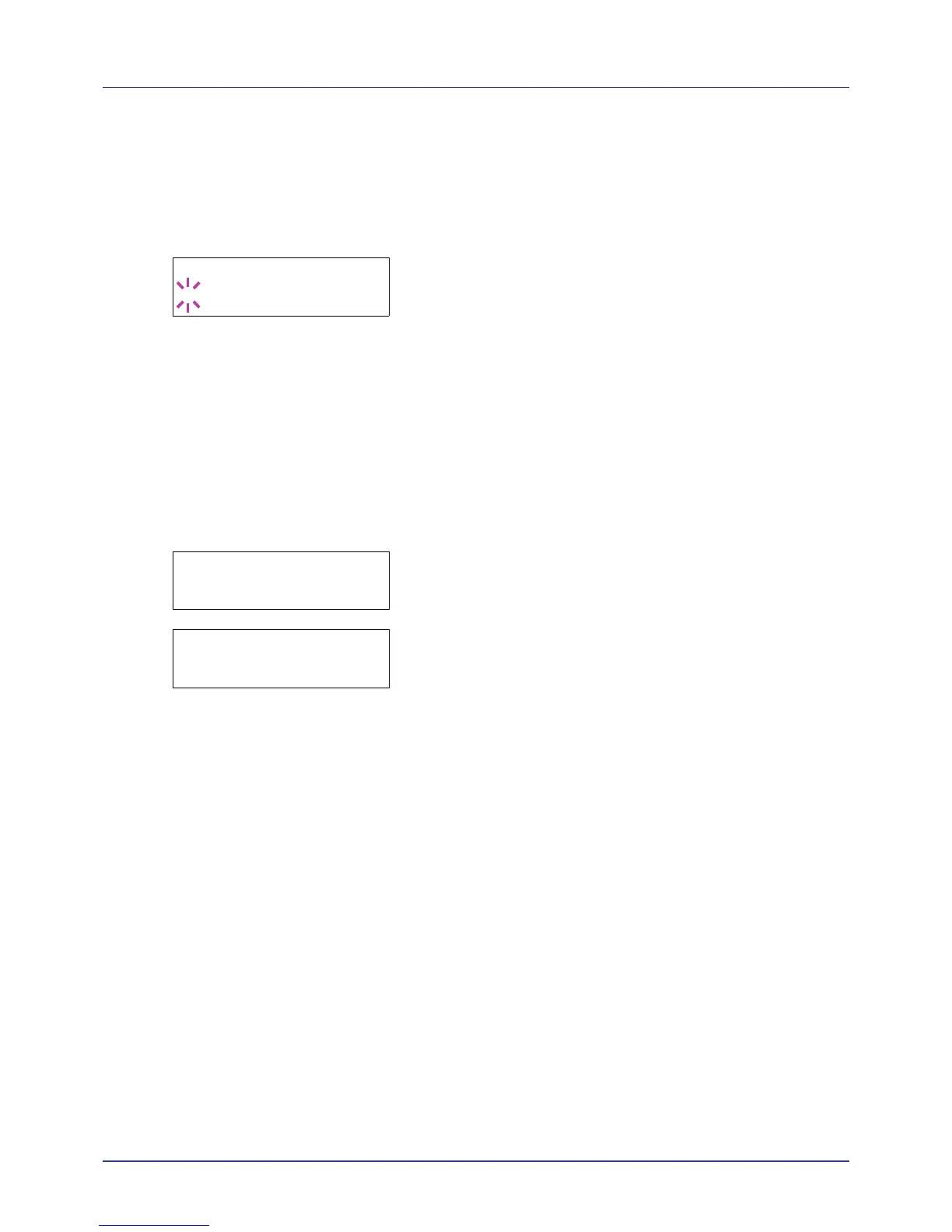
4 Press [OK]. A blinking question mark (?) appears.
5 Press U or V to select Official or Trial.
If you select Official, the License key entry screen is displayed.
Press U or V to increase or decrease the value at the blinking cursor.
Enter the License key. Use Y or Z to move the cursor right and left.
Once you have entered the license key and press [OK], the
confirmation screen appears.
If you select Trial and press [OK], the confirmation screen appears.
6 Press [OK]. Licensed. is displayed and the application is installed.
Checking Application Details
Use the procedure below to check the details of an application.
1 Press Z while Op functions > is displayed.
2 Press U or V repeatedly until >UG-33 detail > appears.
3 Press Z. You can now view detailed information on the selected
application.














 To Next Page