Printing Operation
2-14
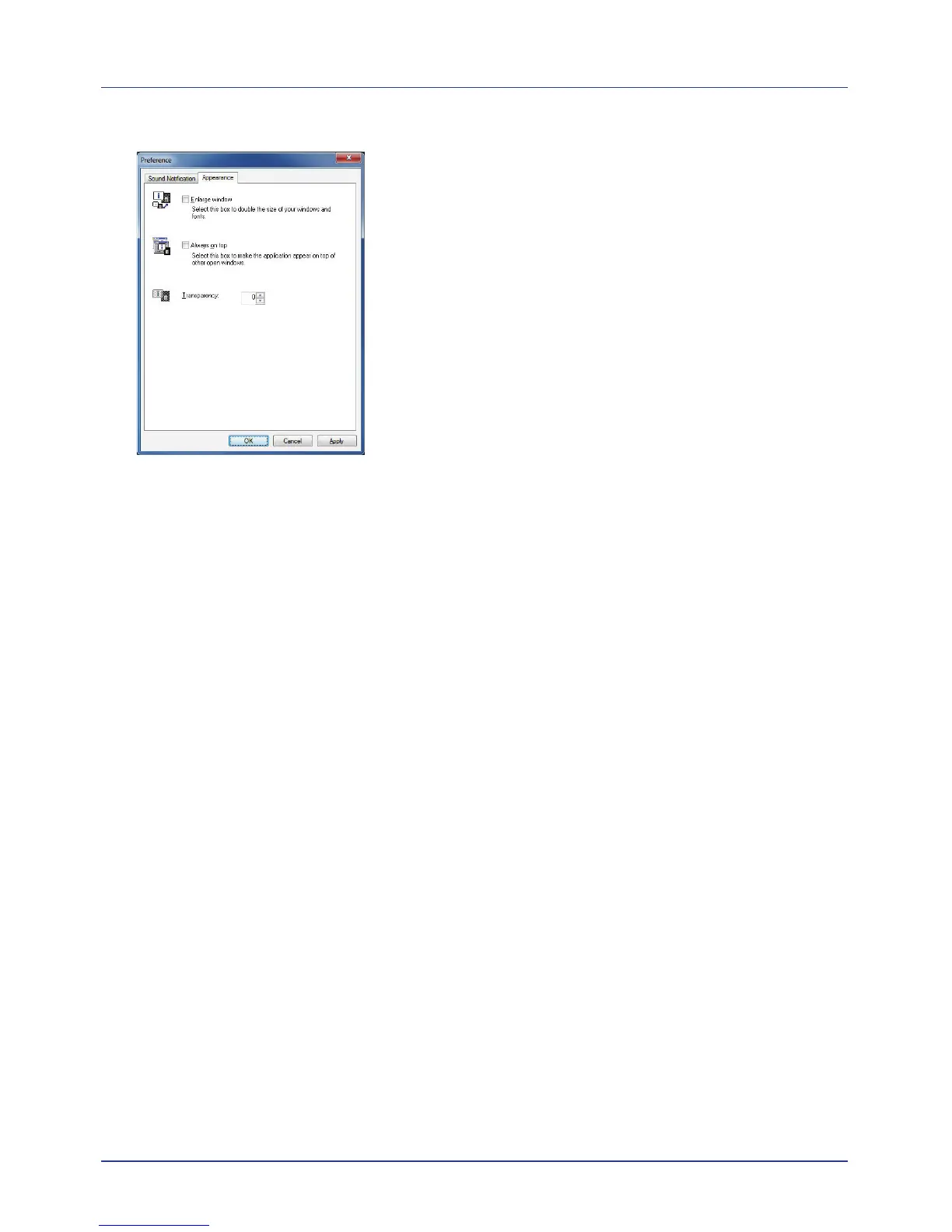
Appearance Tab
The Appearance tab is contains the following items.
Enlarge window
Selecting this checkbox doubles the size and font of 3D images and pop-
up windows.
Always on top
Selecting this checkbox positions 3D images and pop-up windows in front
of other active windows. When this setting is enabled for multiple status
monitors, 3D images are stacked.
Transparency
Displays 3D views and pop-up windows as transparent windows. The
transparency can be set from 0% (no transparency) to 50%.














 To Next Page