• Set Automatic Delete times for Temporary Jobs
Changing the Maximum Number of Quick Copy
This changes maximum number of Quick Copy from 0 to 50. The default
is 32.
1 Press Z while Job Box > is displayed.
2 Press U or V repeatedly until >Job Box Configuration >
appears.
3 Press Z.
4 Press U or V repeatedly until >>Quick Copy appears.
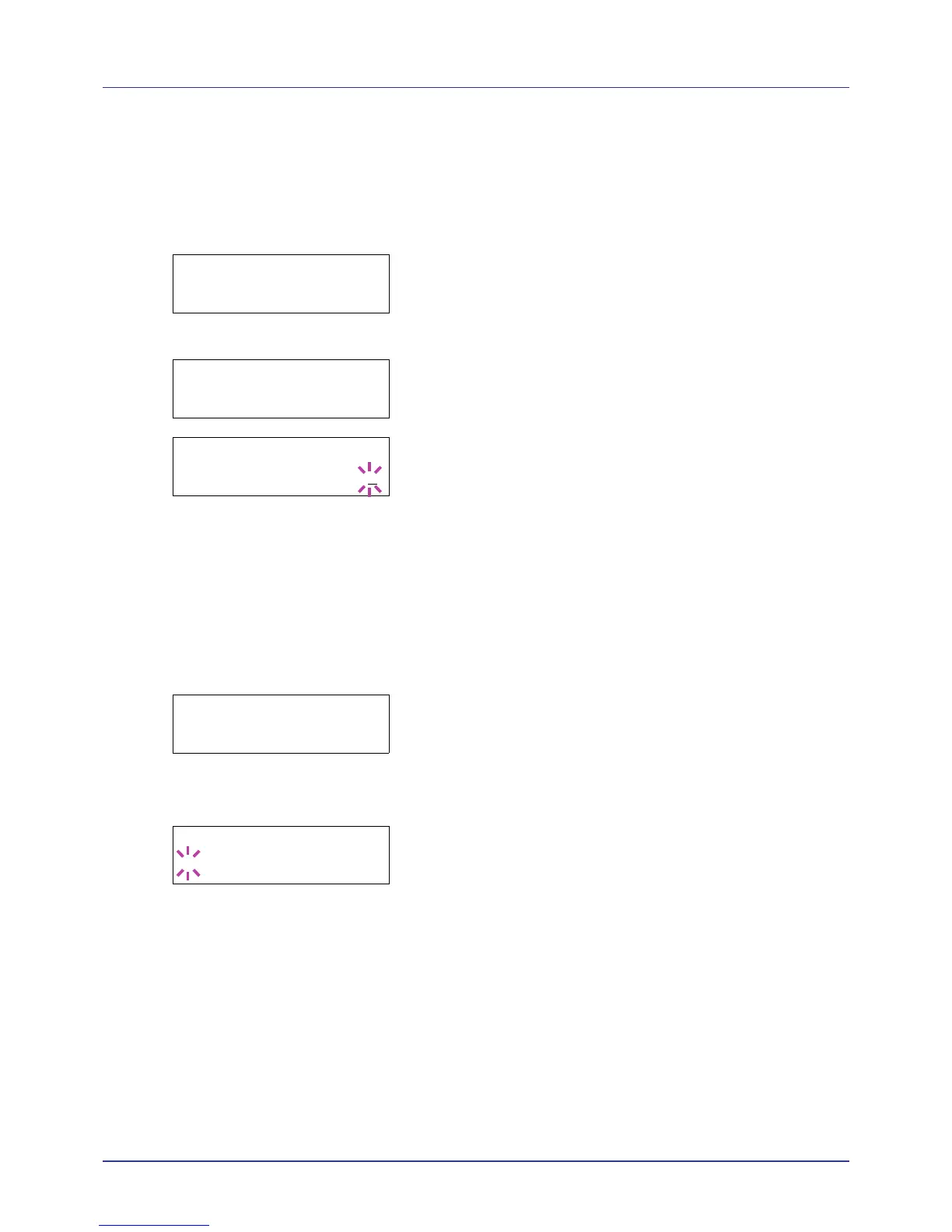
5 Press [OK]. A blinking cursor (_) appears.
6 Press U or V to increase or decrease the value at the blinking cursor.
The value can be set between 0 and 50. Use Y and Z to move the
cursor right and left.
7 When the desired maximum number of jobs is set, press [OK].
8 Press [MENU]. The display returns to Ready.
Set Automatic Delete times for Temporary Jobs
1 Press Z while Job Box > is displayed.
2 Press U or V repeatedly until >Job Box Configuration >
appears.
3 Press Z.
4 Press U or V repeatedly until >>Delete appears.
5 Press [OK]. A blinking question mark (?) appears.
6 Press U or V repeatedly until the desired Automatic Delete time is
displayed. The list shows the following times:
Off (automatic delete is not performed)
1 hour (deleted in 1 hour)
4 hours (deleted in 4 hours)
1 day (deleted on the next day)
1 week (deleted after one week)
7 Press [OK].
8 Press [MENU]. The display returns to Ready.














 To Next Page