Copy Functions
1-14 ADVANCED OPERATION GUIDE
Continuous Scan
Using Continuous Scan, originals can be scanned individually or in blocks
but still be processed as a single job. The originals are scanned into the
machine’s memory until all the originals have been scanned, copies are
then made.
1
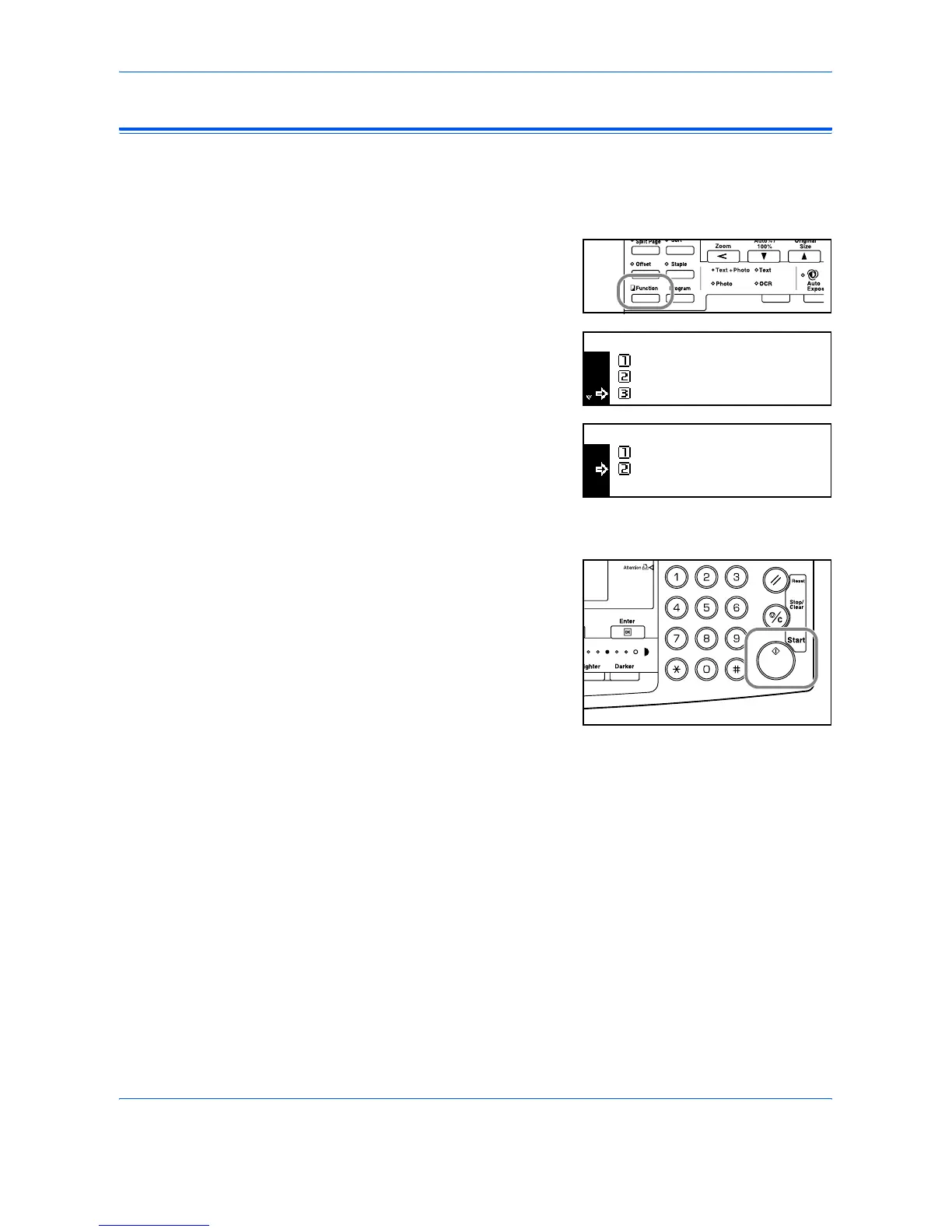
Position the first original(s) and
press [Function].
2
Press S or T to select
Continuous Scan and press
[Enter].
3
Press S or T to select On and
press [Enter].
4
Press S or T to select End and press [Enter].
5
Press [Start].
Position the next original(s) and
press [Start]. Repeat the
procedure to scan the remaining
originals.
When all originals have been
scanned, press [Enter].
Copying commences.
Continuous Scan
Function:
End
Orig. Direction :
:
Rear
Off
Continuous Scan:
Off
On
*












 To Next Page