Printer Settings
2-26 ADVANCED OPERATION GUIDE
Print Configuration
The following settings are available:
• Number of Copies
•Zoom
• Print Orientation
• Page Protect Mode
• Line Feed (LF) Action
• Carriage Return (CR) Action
•Wide A4
NOTE: You can set the print configuration for each interface.
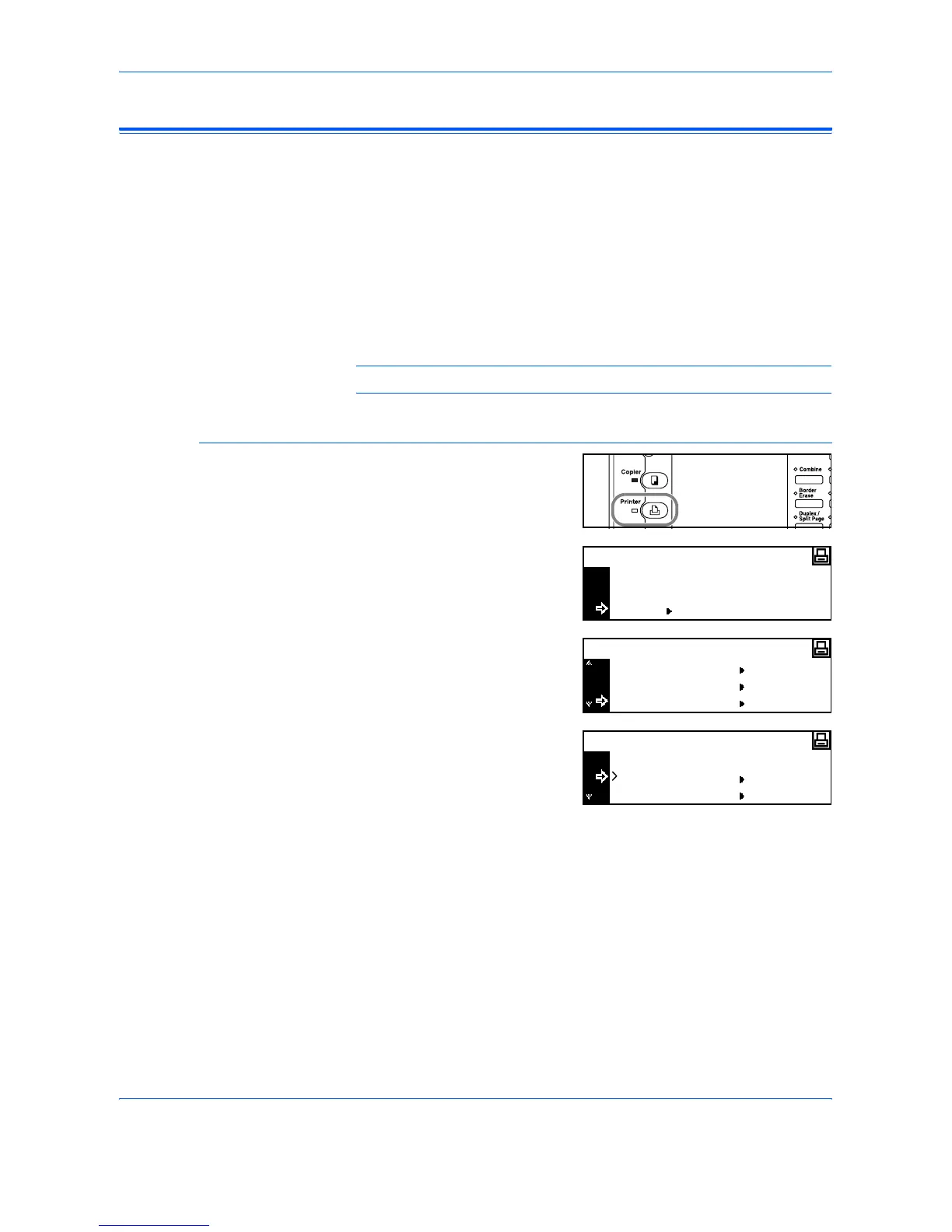
Access the Page Set Screen
1
Press [Printer].
2
Press S or T to select MENU
and press [Enter].
3
Press S or T to select Page Set
and press [Enter].
4
Press S or T to select the
interface and press [Enter].
The Page Set screen displays.
Change the options required
using the instructions starting on page 2-27.
GO
CANCEL
Ready
MENU
Menu
Emulation
Font
Page Set
Back
Parallel
Interface
Network












 To Next Page