Printer Settings
2-2 ADVANCED OPERATION GUIDE
Status Page
The printer default settings, the memory capacity, and other details are
printed on the Status Page.
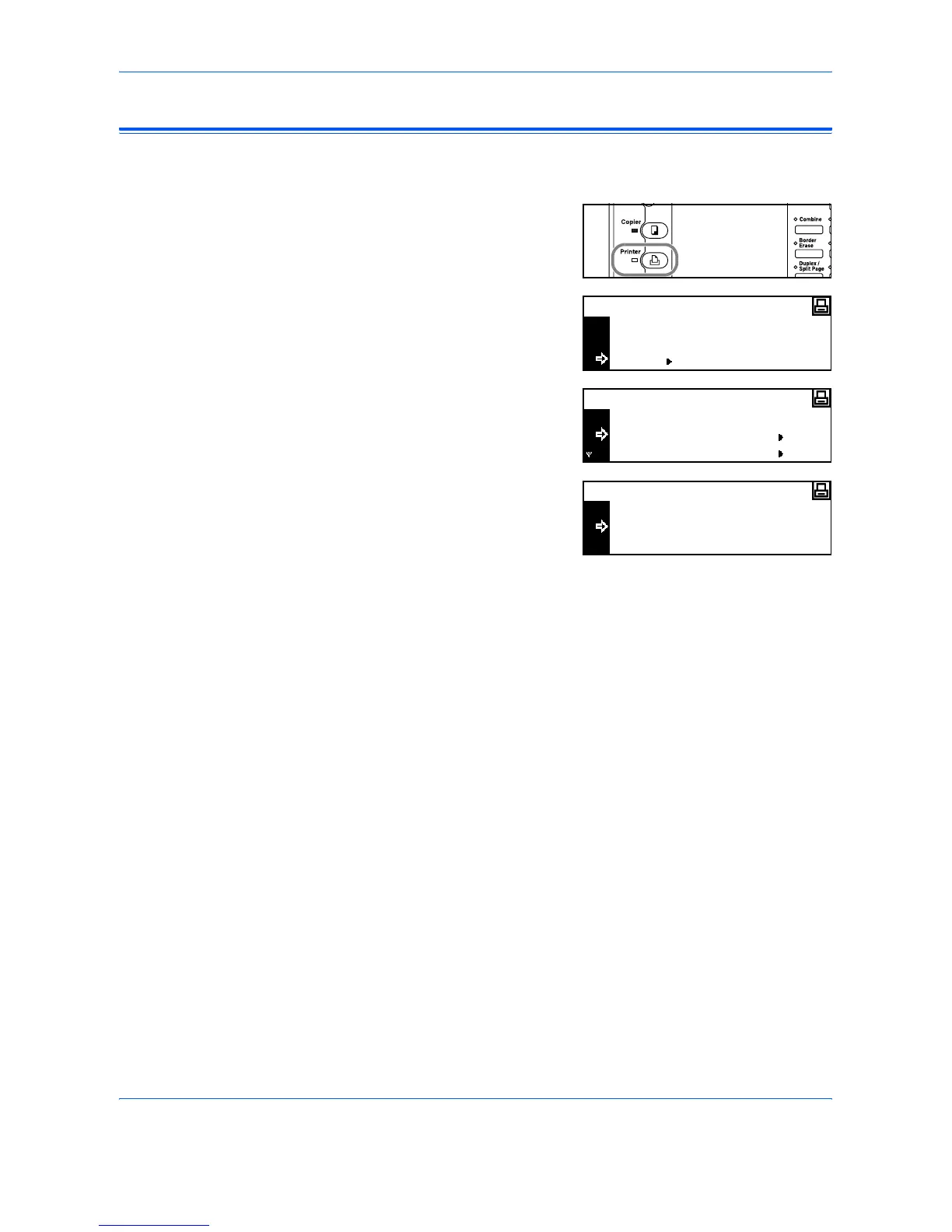
1
Press [Printer].
2
Press S or T to select MENU
and press [Enter].
3
Press S or T to select Print
Status Page and press [Enter].
4
Press S or T to select Print and
press [Enter].
The Status Page is printed.
GO
CANCEL
Ready
MENU
Back
Print Status Page
Menu
Interface
No
Print
Print Status Page












 To Next Page