Printer Settings
ADVANCED OPERATION GUIDE 2-35
Reading Font Data
1
Display the Memory Card screen, refer to Access the Memory Card
Screen, on page 2-34.
2
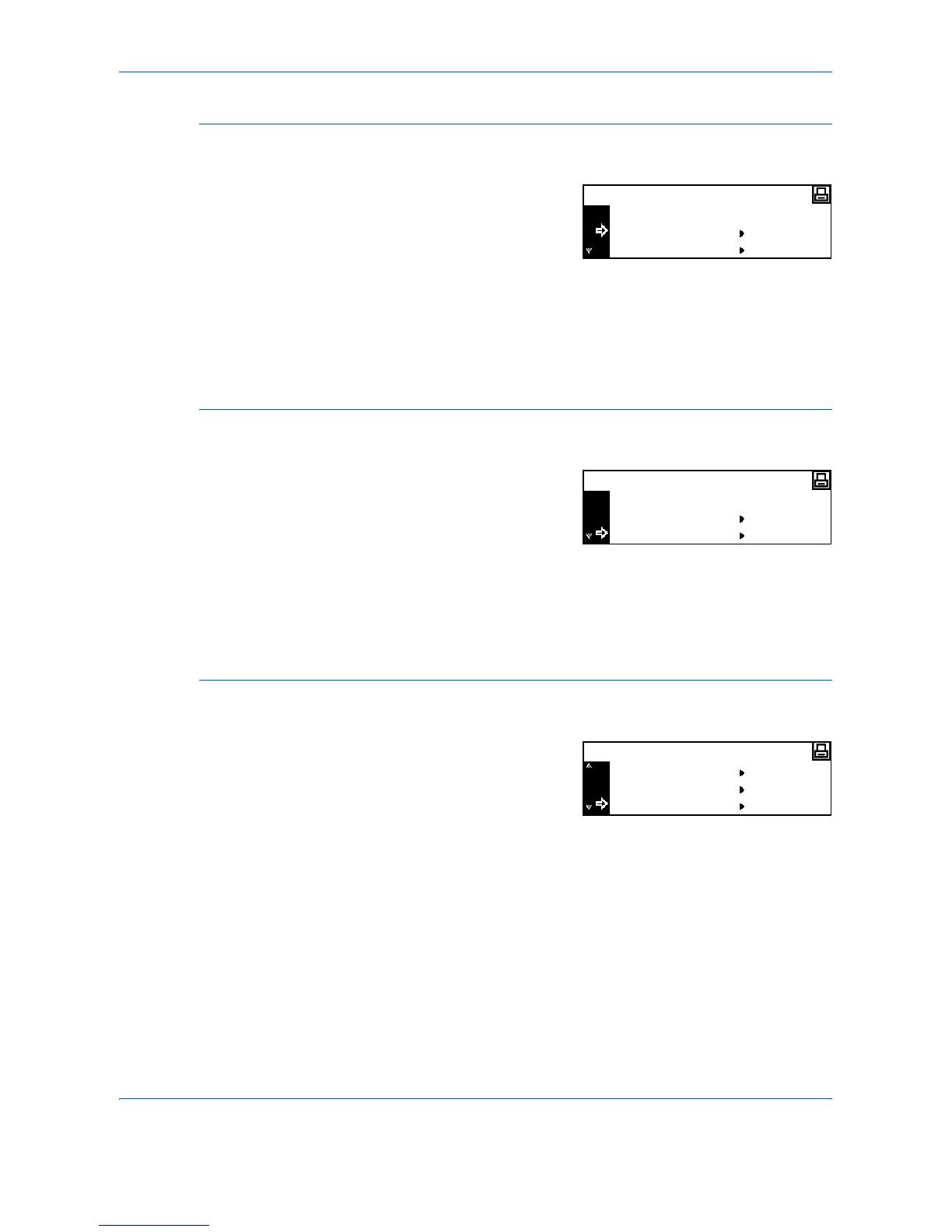
Press S or T to select Read
Fonts and press [Enter].
3
Press S or T to select OK and press [Enter].
Fonts are read from the Memory Card.
4
Press [Reset]. The Printer Basic screen displays.
Reading Macro Data
1
Display the Memory Card screen, refer to Access the Memory Card
Screen, on page 2-34.
2
Press S or T to select Read
Macro and press [Enter].
3
Press S or T to select OK and press [Enter]. Macros are read from the
Memory Card.
4
Press [Reset]. The Printer Basic screen displays.
Reading Data
1
Display the Memory Card screen, refer to Access the Memory Card
Screen, on page 2-34.
2
Press S or T to select Read Data
and press [Enter].
3
Press S or T to select the data to read and press [Enter].
The selected data is read from the Memory Card.
4
Press [Reset]. The Printer Basic screen displays.
Memory Card
Back
Read Fonts
Read Macro
Memory Card
Back
Read Fonts
Read Macro
Read Data
Memory Card
Read Fonts
Read Macro












 To Next Page