Printer Settings
ADVANCED OPERATION GUIDE 2-7
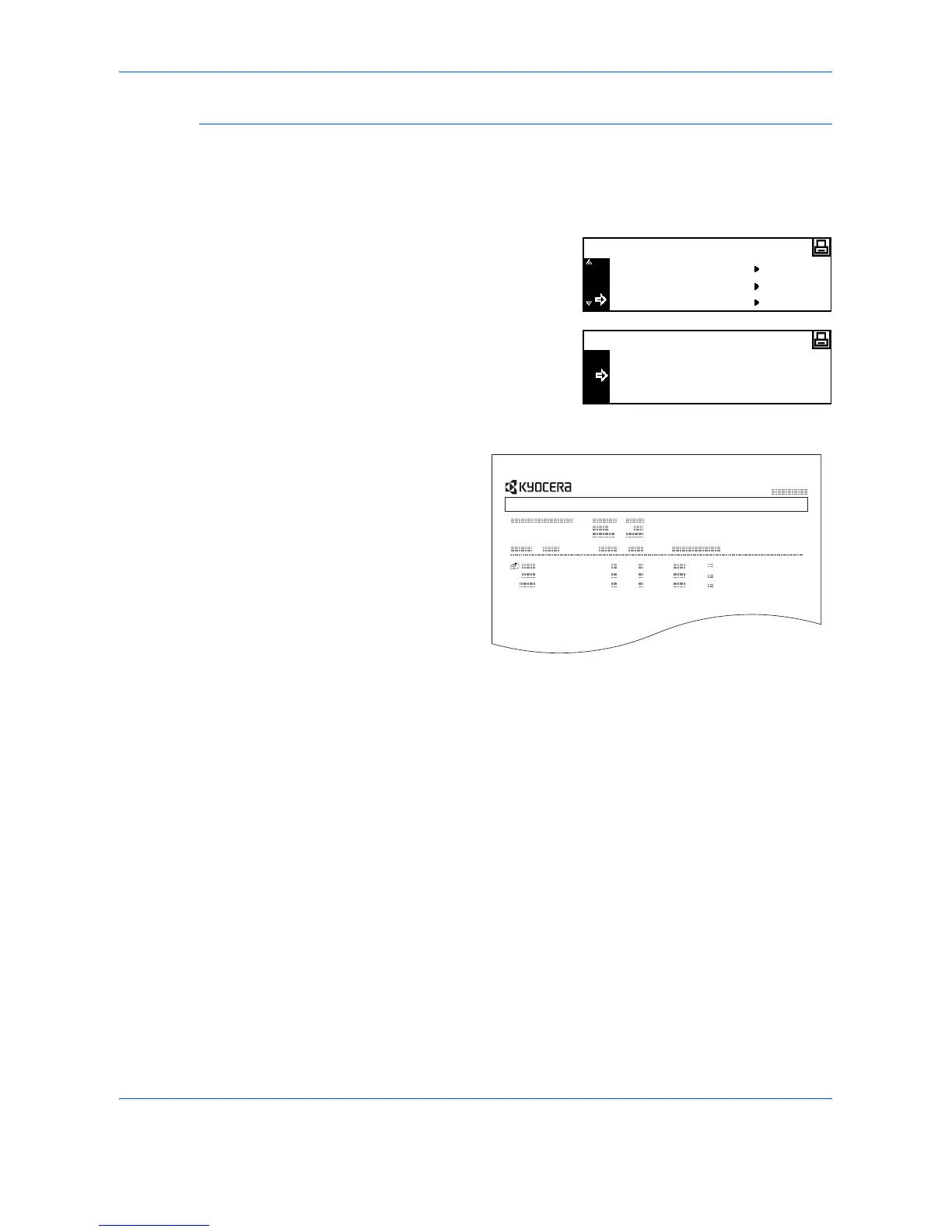
Virtual Mailbox List
A list can be printed which shows the current Virtual Mailbox numbers, the
data stored in a mailbox, the size of data stored and other information.
1
Display the e-MPS screen, refer to Access e-MPS, on page 2-3.
2
Press S or T to select List of
VMB and press [Enter].
3
Press S or T to select Print and
press [Enter].
The virtual mailbox list is printed.
Private/Stored
Print VMB Data
e-MPS
List of VMB
No
Print
List of VMB
VIRTUAL MAIL BOX LIST












 To Next Page