Others
The
Others
parameter group, available in all three
emulations, contains a series of individual parameters that
affect the layout of your printed document. Where indicated,
the parameter is available only in a specific emulation:
Parameter Value Function
Line terminator Normal
Auto LF
Auto CR
Auto CR/LF
CR=CR; LF=LF;FF=FF
CR=CR+LF; LF=LF; FF=FF
CR=CR; LF=LF+CR; FF=FF+CR
CR=CR+LF;LF=LF+CR;FF=FF+CR
Defines how the printer manages
each end of line.
It is dependent on your
environment.
In EPSON LQ 850 emulation,
there are only two parameter
values: Auto CR and Auto CR/LF
Perforation skip
(
only PCL III +
emulation
)
Off
On
Affects only text, introducing a half
inch (12.7 mm) no-printing area at
the top of each page. In most
cases, Perforation skip mode ON
will meet your requirements.
When Perforation skip mode is
ON
, a line that overruns the lower
limit of the text area will be printed
below the top margin of the next
page.
(continued)
Parameter Value Function
Perforation skip
(continued)
Off
On
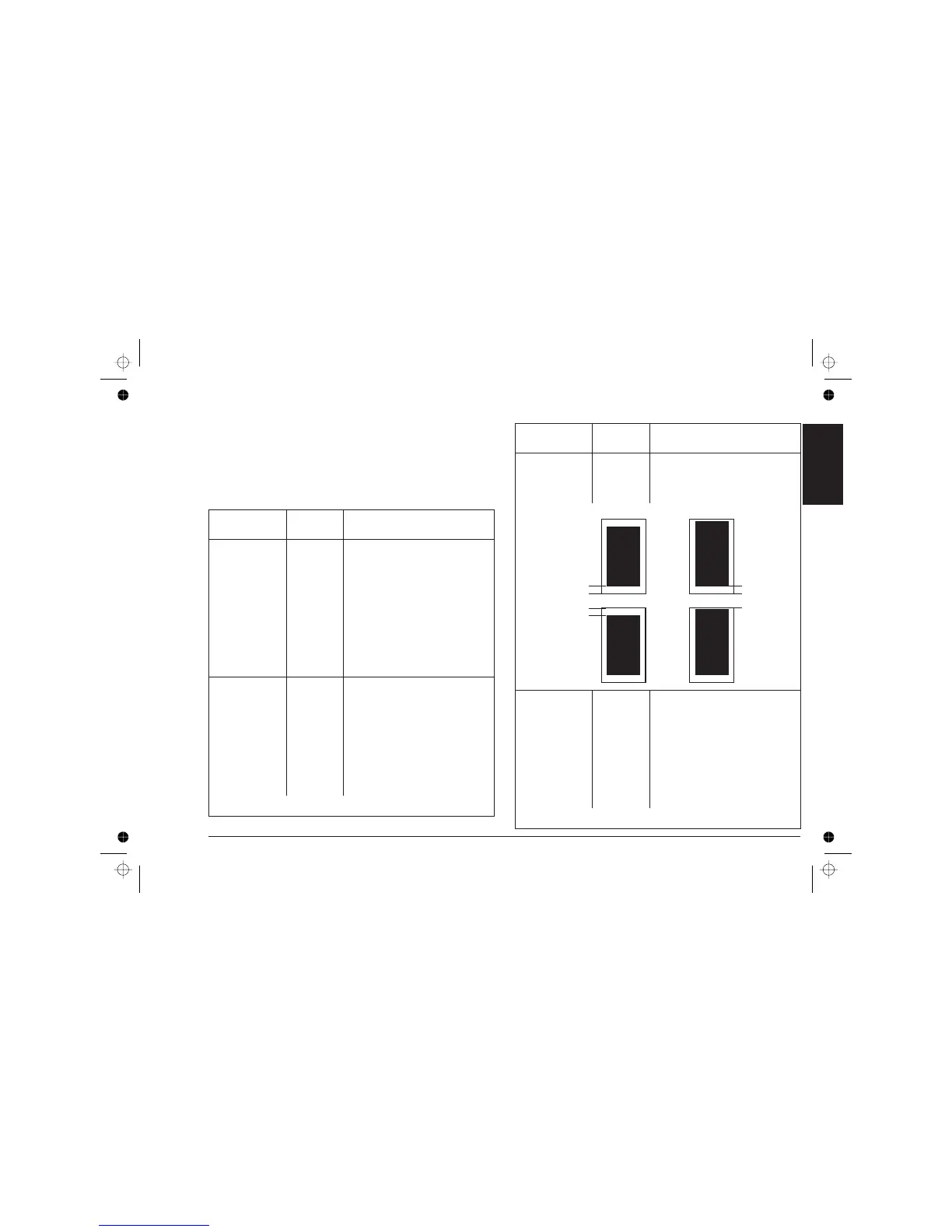
When Perforation skip mode is
OFF
, the line will be printed on the
first physical print line of the new
page.
Text scale mode
(
only PCL III +
emulation
)
Off
On
Affects only text, reducing
automatically the current Line
Feed setting to maintain a non-
printable area at the foot of the
page (BOF = 12,7 mm) even for
the maximum number of print lines
per page.
Possible ONLY with portrait
orientation selected and the
Perforation Skip feature OFF
(continued)
ENABLED (ON) DISABLED (OFF)
BOF = 1/2 in
TOF = 1/2 in
BOF = 1/2 in
TOF=0
Page 1
Page 2
Programmable
features
Programmable Printer Features - User-Definable Parameters A-15












 To Next Page