55
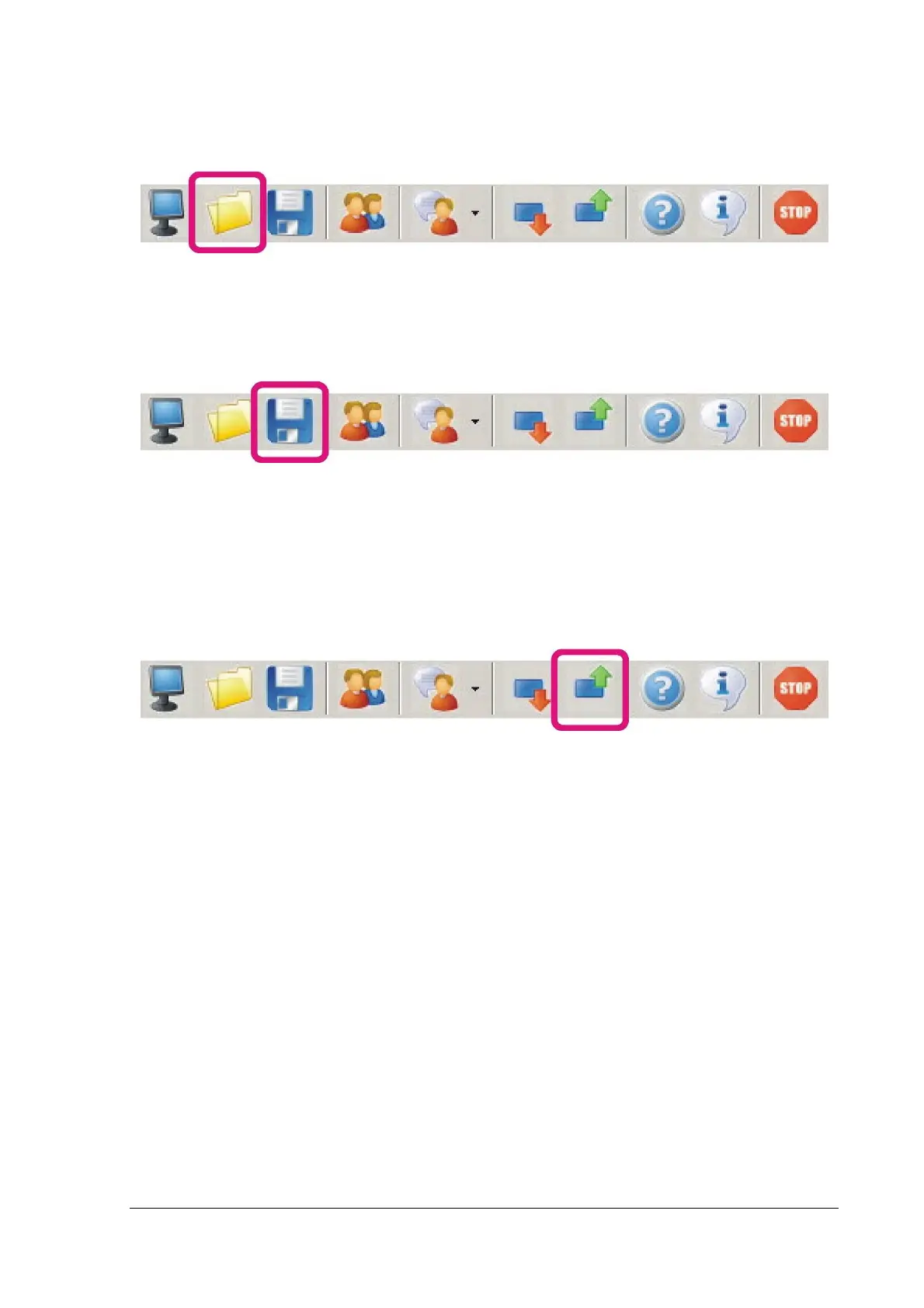
Load settings from a file
By pressing the highlighted button, we can open a settings file that we have created or saved from
another system.
Save settings to a file
By pressing the following button, we can save our personal panel configuration.
ATTENTION! In order to save all the settings and adjustments that we have made in a panel which
operates in "Online Mode", all the data in all windows should have been updated. That means NO
green fields in any window should exist.
Send settings to the panel
By pressing the following button we can send all the present data to our panel.
We usually use this action after "Loading settings from file".


 To Next Page