46
Safe use of neutral electrodes
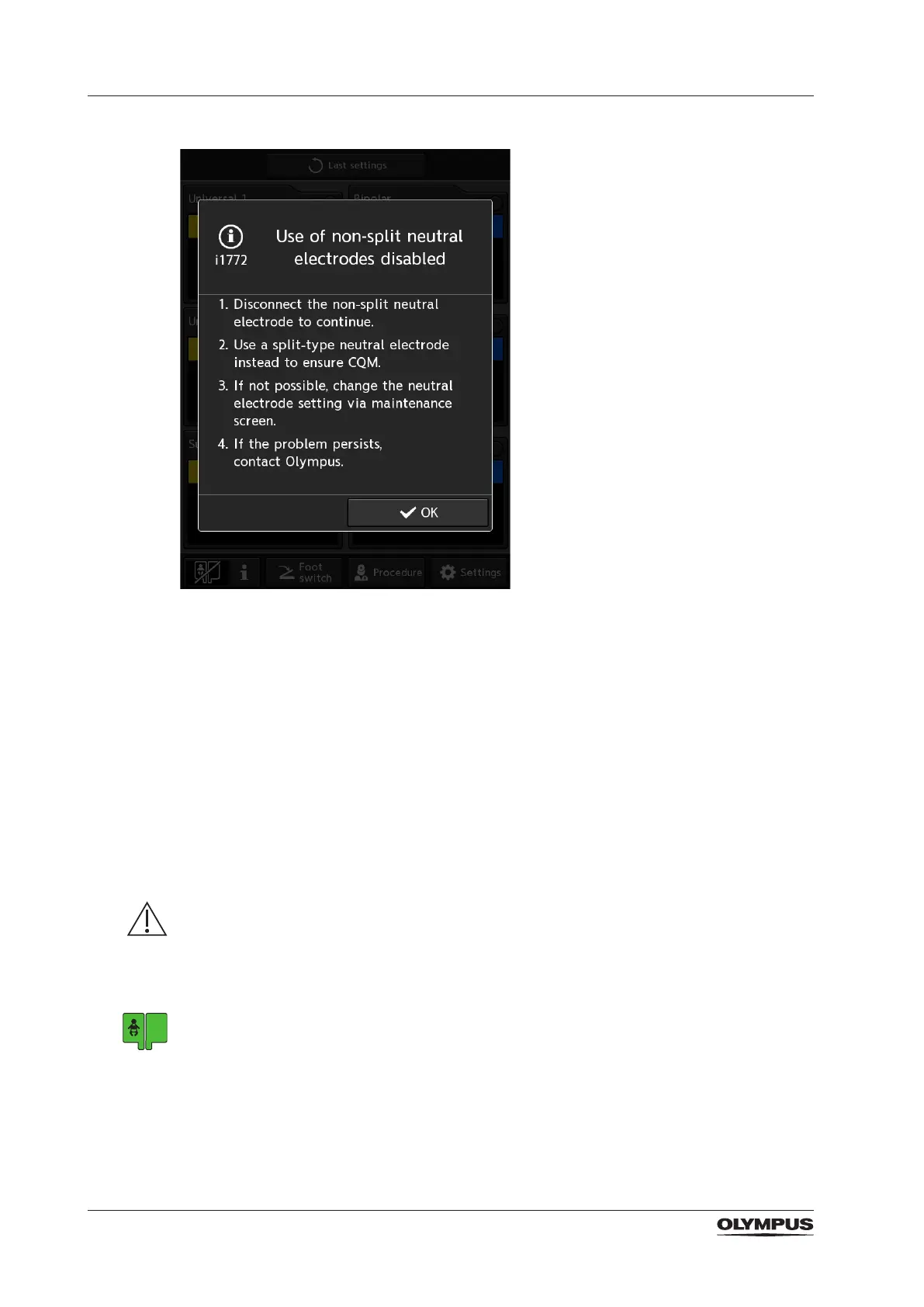
To switch this safety feature on/off proceed as follows:
1. Tap [Settings] on the home screen.
► The [Settings] screen with the [Setup] tab is displayed.
2. Tap the [Maintenance] tab at the top.
► The [Maintenance] tab is displayed.
3. Tap the [Non-split neutral electrode] button.
► The [Neutral electrode] screen is displayed.
► The current setting is highlighted.
4. Select the preferred setting.
For safety reasons, Olympus recommends to select [Disable].
► The selected setting is highlighted and saved.
5. Tap [Home] to return to the home screen.
6.3 Safety feature for baby neutral electrodes
WARNING
Baby neutral electrode setting
When using neutral electrodes for newborns (patient weight less than 5 kg), the function
[Baby neutral electrode] must be switched on. Otherwise, the electrosurgical generator can
not detect the current ow’s critical value of 350 mA. There is the risk of severe burns to the
baby patient.
‒ Ensure that the function [Baby neutral electrode] is switched on, i.e. a baby symbol is
shown within the neutral electrode indicator.
‒ Use the lowest power settings that are appropriate for the intended procedure.
‒ Use short activation intervals, as this reduces the heating between the neutral electrode
and the newborn’s skin to a minimum.


 To Next Page