System Setup
5
5.10 Setup of the COLOR BALANCE Menu
53
Setting “BAL X,” “BAL Y,” “BAL STEP,” and
“TEST PRINT”
1
Set the range to be printed out for the color balance
adjustment.
While holding the DISPLAY button on the front
panel, press “v,” “V,” “b” and “B” to set the range.
The “COLOR BALANCE” menu disappears
temporarily during the setting.
Note that it is only possible to move the position of
the printed range and that its size cannot be varied.
2
Press “v” or “V” to move the cursor on “BAL X.”
Characters “BAL X” are displayed in green when
the cursor is positioned on this item.
3
Press “b” or “B” to select between “1” and “99.”
The selected setting value is displayed in green on
the monitor.
4
Press “v” or “V” to move the cursor on “BAL Y.”
Characters “BAL Y” are displayed in green when
the cursor is positioned on this item.
5
Press “b” or “B” to select between “1” and “99.”
The selected setting value is displayed in green on
the monitor.
6
Press “v” or “V” to move the cursor on “BAL
STEP.”
Characters “BAL STEP” are displayed in green
when the cursor is positioned on this item.
7
Press “b” or “B” to select between “1” and “20.”
The selected setting value is displayed in green on
the monitor.
8
Press the CAPTURE button.
9
Press “v” or “V” to move the cursor on “TEST
PRINT.”
Characters “TEST PRINT” are displayed in green
when the cursor is positioned on this item.
10
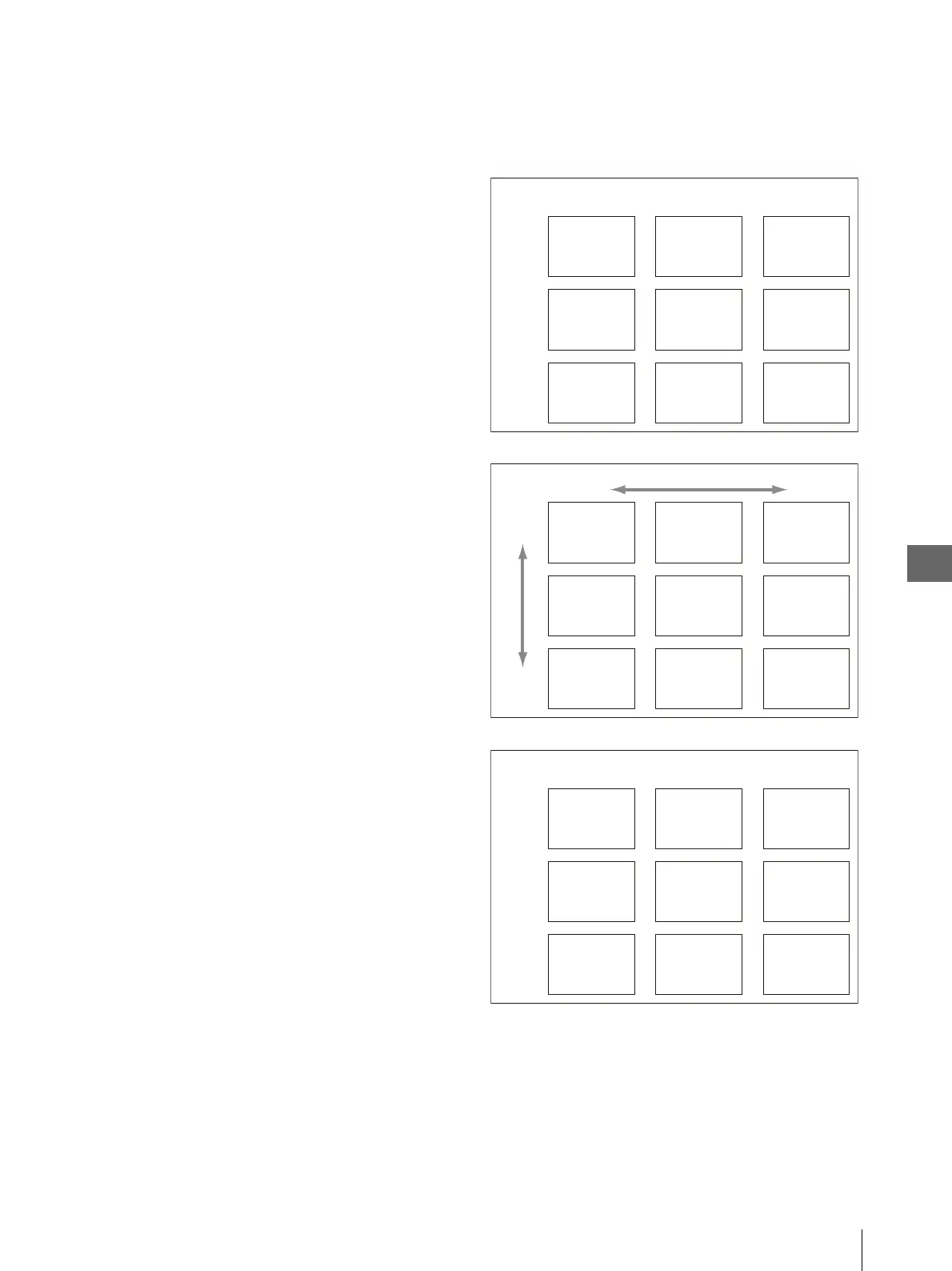
Press the EXEC button. The picture for use in the
color balance adjustment will be printed out as
shown in Figure 5.11. The values of “X” and “Y”
are printed below each image.
Figure 5.11
11
Select the printed image that seems to have the
optimum color balance.
v : Moves the highlighted area upward.
V : Moves the highlighted area downward.
b : Moves the highlighted area leftward.
B : Moves the highlighted area rightward.
Color tones in test printed pictures
Yellow-greenish Yellowish Amberish
Greenish Standard Reddish
Blue-greenish Bluish Purplish
X and Y values in test printed pictures
X: BAL X-BAL STEP
Y: BAL Y-BAL STEP
X: BAL X
Y: BAL Y-BAL STEP
X: BAL X+BAL STEP
Y: BAL Y-BAL STEP
X: BAL X-BAL STEP
Y: BAL Y
X: Value set in “BAL X”
Y: Value set in “BAL Y”
X: BAL X+BAL STEP
Y: BAL Y
X: BAL X-BAL STEP
Y: BAL Y-BAL STEP
X: BAL X
Y: BAL Y-BAL STEP
X: BAL X+BAL STEP
Y: BAL Y-BAL STEP
X: Low X: High
Y: Low
Y: High
Examples of X and Y in test printed pictures
X=45, Y=45 X=50, Y=45 X=55, Y=45
X=45, Y=50 X=50, Y=50 X=55, Y=50
X=45, Y=55 X=50, Y=55 X=55, Y=55
Examples: When BAL X=50, BAL Y=50 and BAL STEP=5



 To Next Page