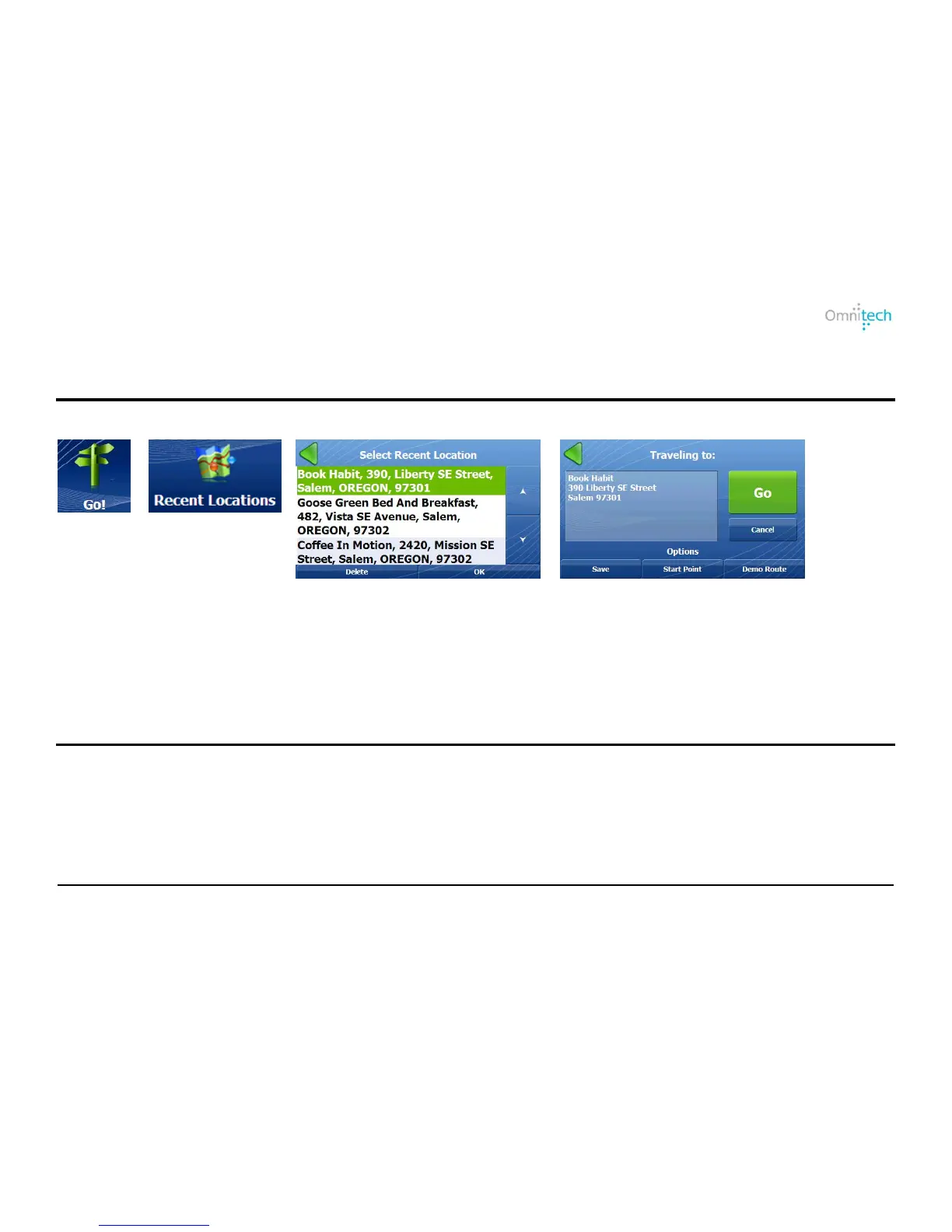
2. Tap
3. Select a location.
4 .Tap Go.
Traveling To Options
For information, see the Traveling to Options on page 10.
Favorite Locations
A Favorite location is a destination that you have stored for easy retrieval.
Saving a Location
From the Save Location screen, you can tap the right and left arrow keys to select a group to where you want to save
your location. To create a group, see Creating Groups for Favorite Locations on page 16.
Omnitech GPS User Manual 14


 To Next Page