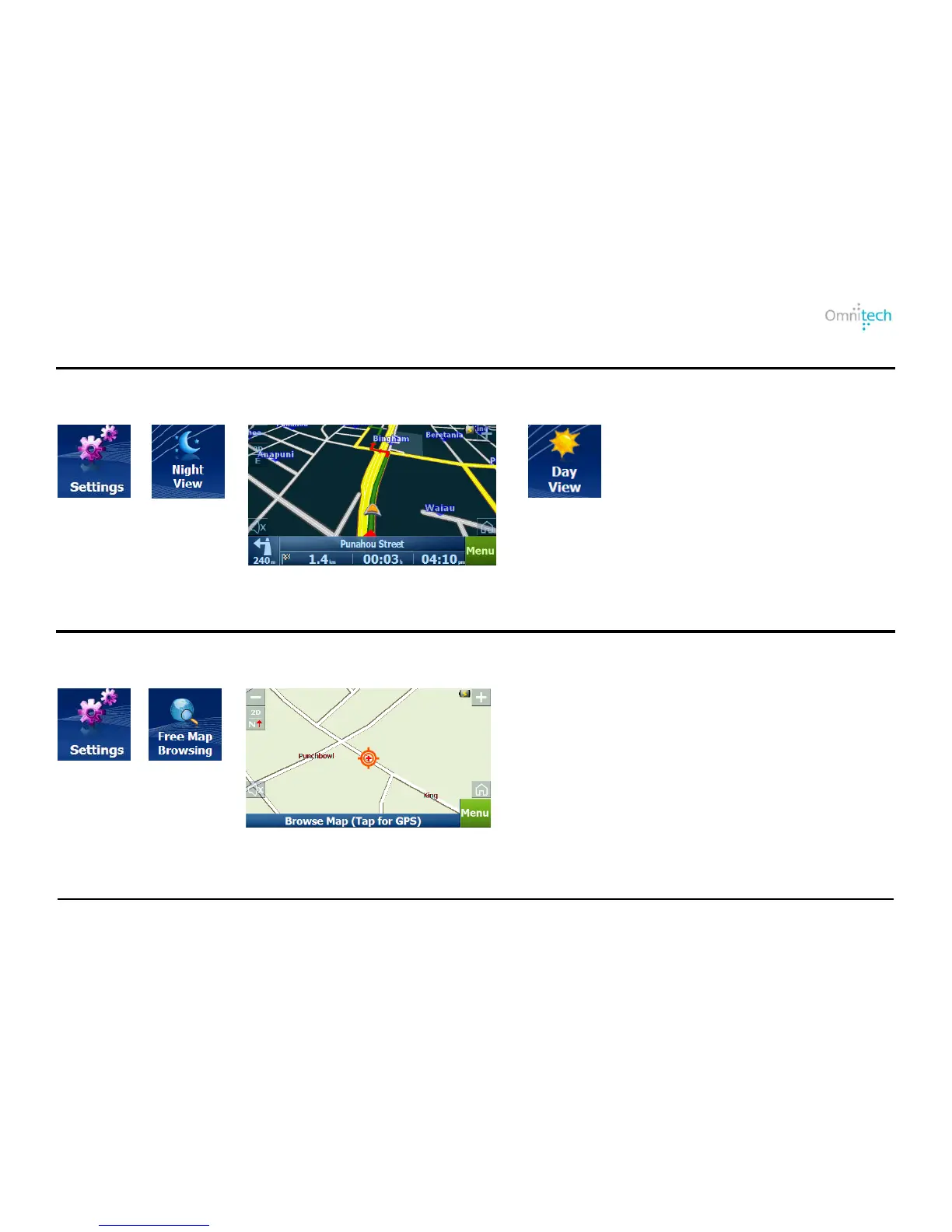
Night Map View
Destinator provides day and night views. It is preferable to use the night view when traveling at night or in overcast
weather.
1. Tap
2. Tap
3. Displays night view
Note: Tap Day View to change to day
Browse Map
You can disconnect the GPS receiver, so that you can search for a location on the Map screen without Destinator
centering the map to your current location.
1. Tap
2. Tap
3. Tap, hold, and drag the map.
Omnitech GPS User Manual 24


 To Next Page