Display large maneuver icon
To display larger maneuver icon.
Display QuickNav button
Displays the QuickNav button, which you tap to navigate to a pre-selected location.
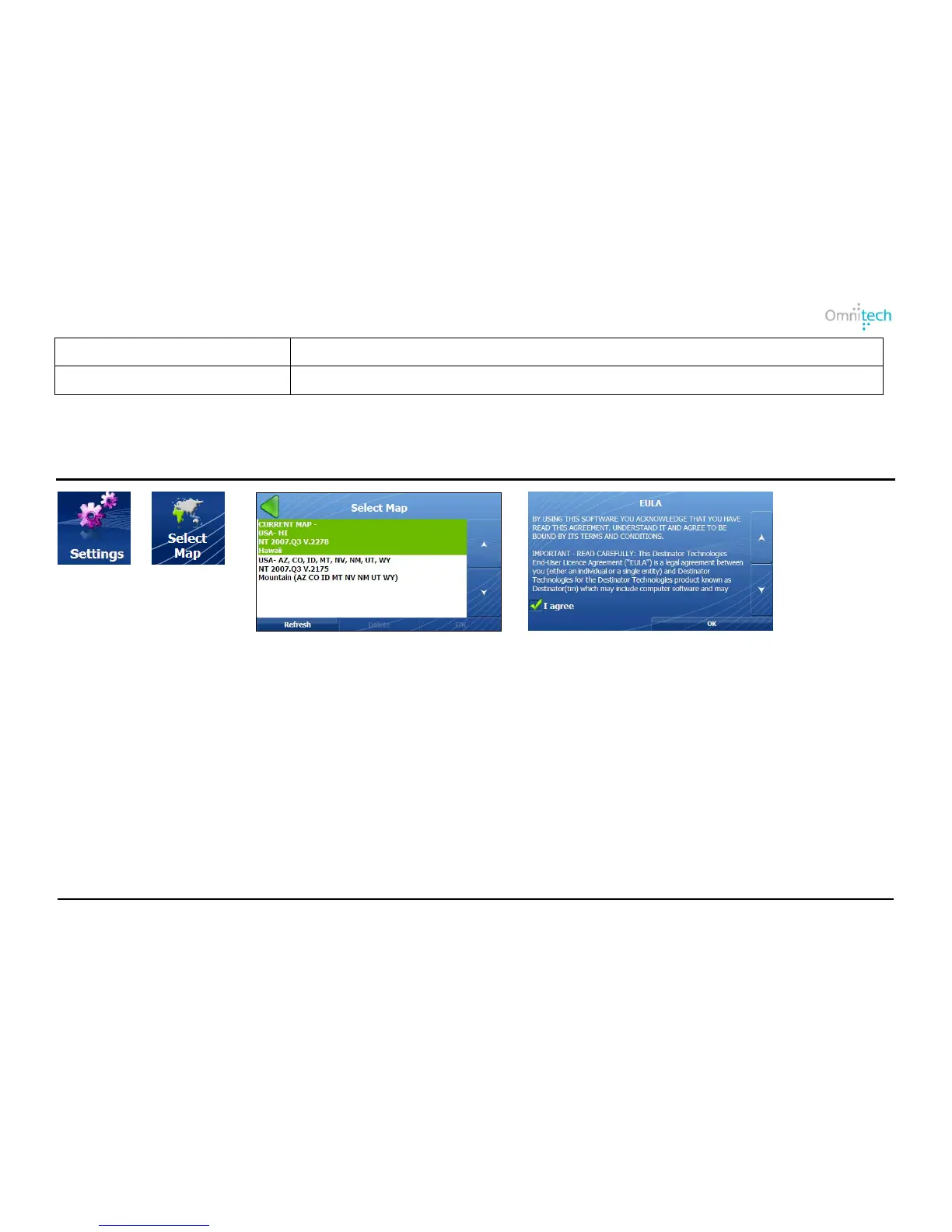
1. Tap
2. Tap
3. Select map and tap OK.
4. You must agree to use the selected map.
From the Select Map screen, you can also choose from the following options:
• Refresh – Tap to update the map list.
• Delete – Tap to remove a map.
Map Selection


 To Next Page