LVS-7500 External System Operations Manual
LVS-7500 External System Operations Manual Page 58 of 129
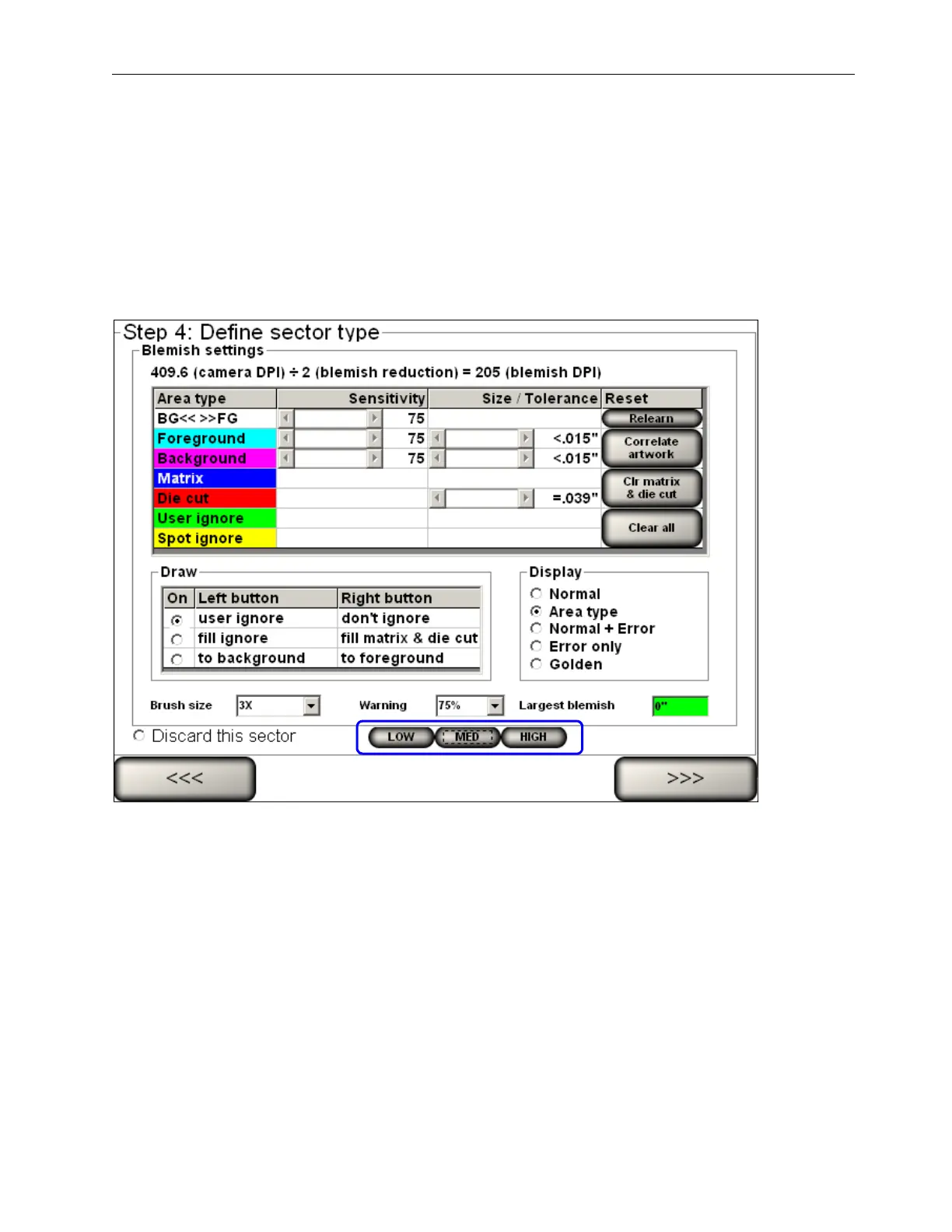
Use the Preset Settings:
Users without administrator rights can select the “Low,” “Medium,” and “High” preset buttons to view the image(s)
on the “Step 4: Define sector type (Blemish settings)” screen.
• Click “Low” to adjust the blemish settings to the “Low” configuration settings as defined by a user with
administrator rights.
• Click “Med” to adjust the blemish settings to the “Medium” configuration settings as defined by a user with
administrator rights.
• Click “High” to adjust the blemish settings to the “High” configuration settings as defined by a user with
administrator rights.



 To Next Page