LVS-7500 External System Operations Manual
LVS-7500 External System Operations Manual Page 71 of 129
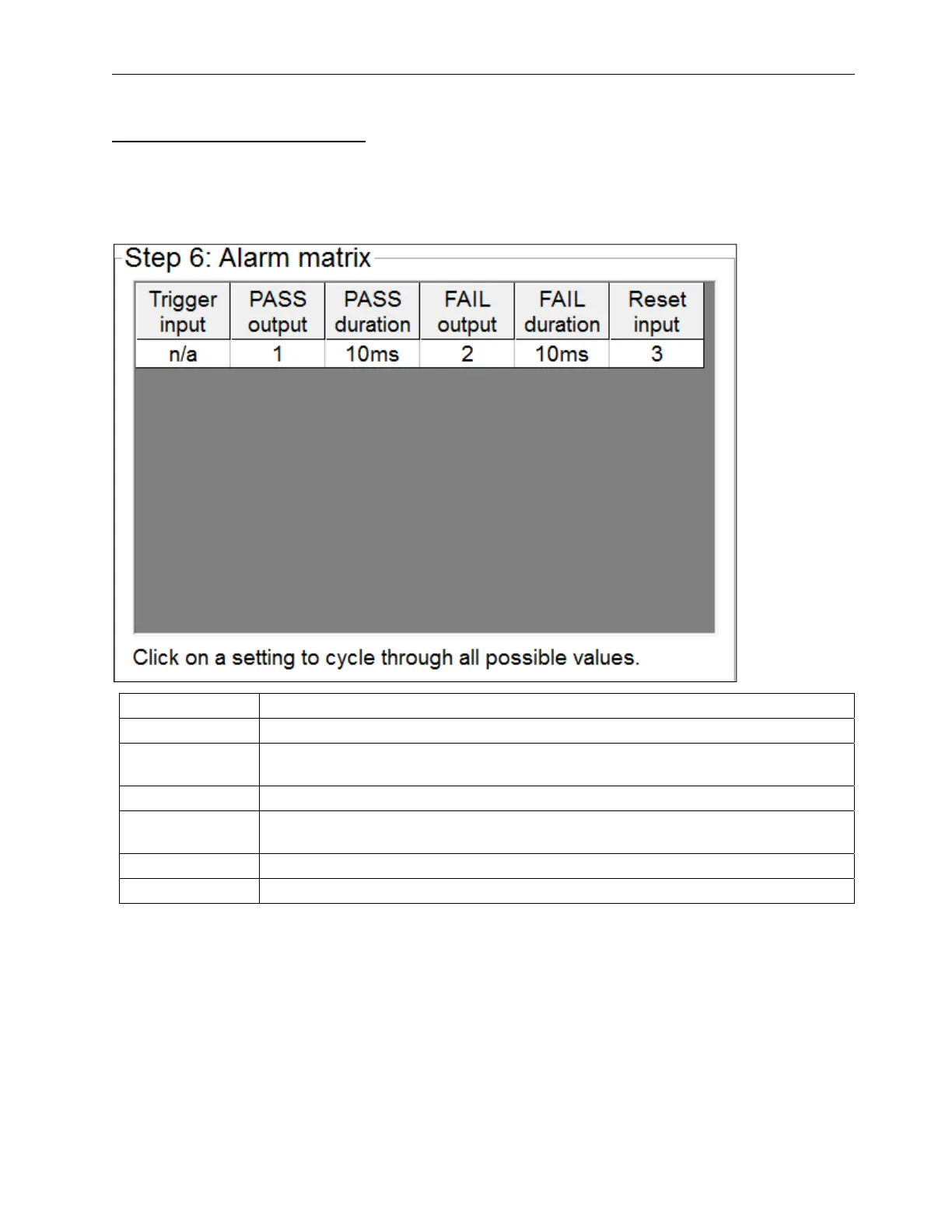
Alarm Matrix: Pass/Fail View
The Alarm Matrix Pass/Fail view displays the pass/fail status of the entire inspection. Click on a setting to cycle
through all possible values. Each setting is described in the table below.
The Alarm Matrix Pass/Fail view is configured in the LVS7500.ini file > [Alarm matrix] section >
UsePassFailMethod=1.
Setting Description
Trigger input This feature is currently unavailable.
PASS output
If the inspection passes, it will output on the specified I/O line for the specified
duration.
PASS duration The dwell time of the PASS output.
FAIL output
If any sector in the inspection fails for any reason, it will output a FAIL output on the
specified channel for the specified duration.
FAIL duration The dwell time of the FAIL output.
Reset input If a pulse is detected on this channel, all outputs are deactivated.



 To Next Page