LVS-7500 External System Operations Manual
LVS-7500 External System Operations Manual Page 74 of 129
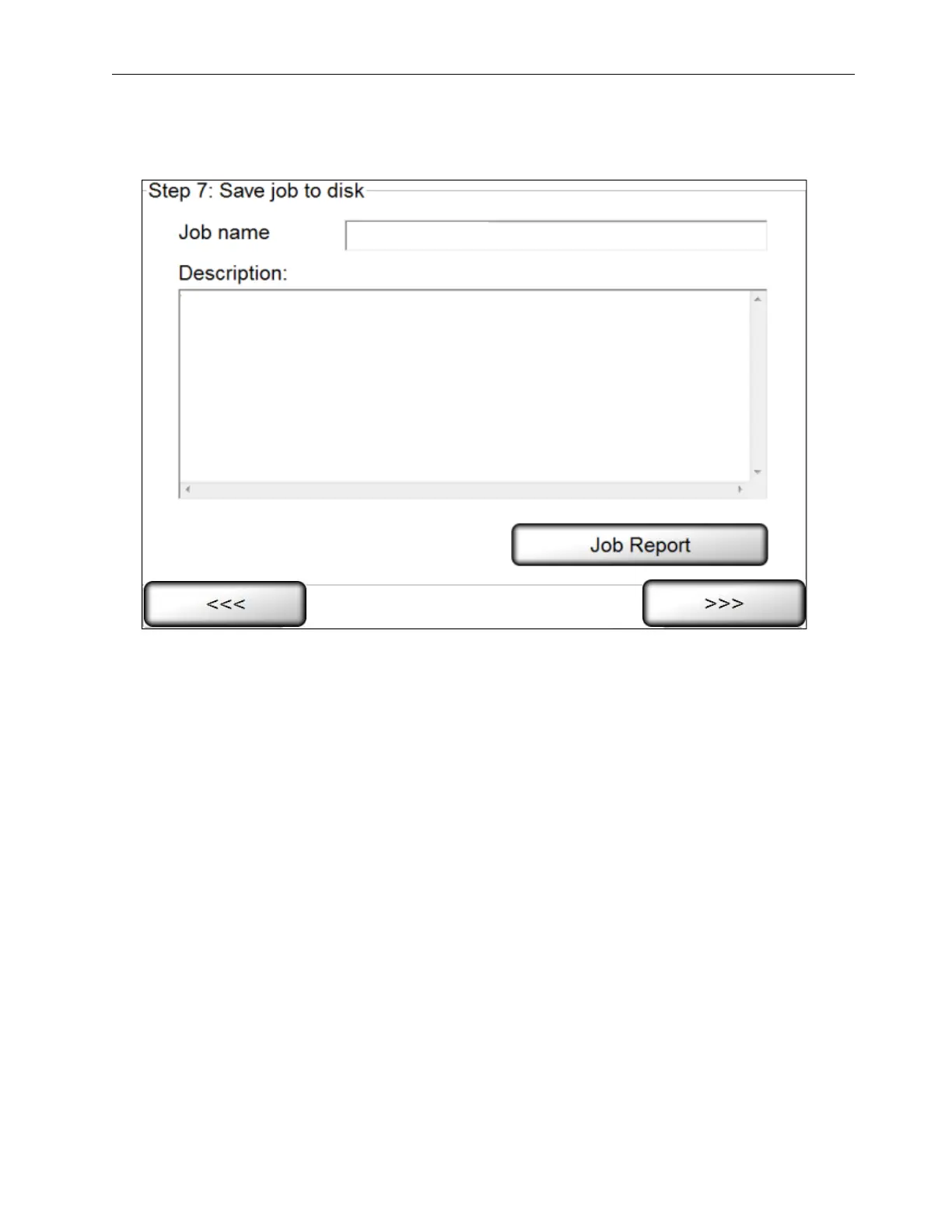
Step 7: Save Job To Disk
1. Enter a job name in the Job Name field; this saves the current setup.
2. If desired, enter a description or additional job details in the Description field.
3. If desired, click the Job Report button to generate an LVS-7500 Job Report which shows the settings for all
created sectors. See the next section entitled “LVS-7500 Job Report” for more information on the Job
Report.
4. Click Next. The Ready to Run screen appears. See the section Operate Screen: Ready to Run for more
information on this step.



 To Next Page