LVS-7500 External System Operations Manual
LVS-7500 External System Operations Manual Page 73 of 129
Setting Description
• The roll is moving
• The LVS-7500 External System is actively inspecting (that is, the “Start New
Run” button has been clicked on the “Operate: Running the Job” screen).
PASS Output
If the inspection passes, it will output on the specified I/O line for the specified
duration.
PASS Duration The dwell time of the PASS output.
FAIL Output
If any sector in the inspection fails for any reason, it will trigger a FAIL output on the
specified channel for the specified duration. The PASS Output will be deactivated
automatically once a fail is triggered.
Additionally, once a fail has been triggered, every subsequent inspection will trigger
a FAIL Output until reset is triggered. Even if the subsequent inspection passes, only
the FAIL Output will be triggered until a Reset Input signal is detected.
FAIL Duration The dwell time of the FAIL output.
Reset Input
If a pulse is detected on this channel, all outputs are deactivated and the Pass
Output is enabled again.
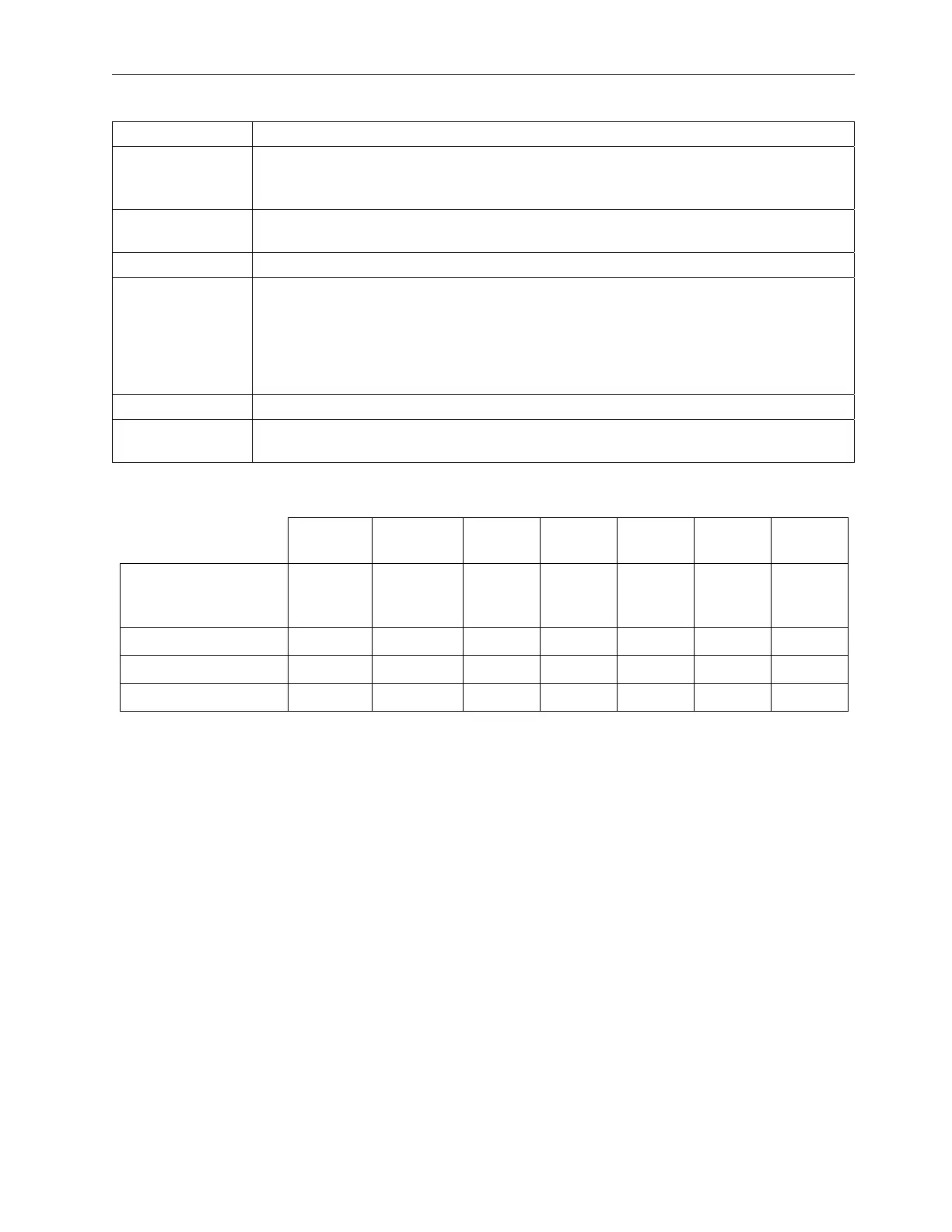
Below is a graphical representation of the Alarm Matrix Pass/Fail view settings when UsePassFailMethod=1
and UseAcknowledgementIO=1 are set in the LVS7500.ini file.
Repeat
1
Repeat
2
Repeat
3
Repeat
4
Repeat
5
Repeat
6
Repeat
7
Overall Inspection
Results for Repeat
Number
PASS FAIL PASS PASS PASS FAIL PASS
PASS Output On Off Off On On Off Off
FAIL Output Off On On Off Off On On
Reset Input Off Off Off On Off Off Off



 To Next Page