LVS-7500 External System Operations Manual
LVS-7500 External System Operations Manual Page 77 of 129
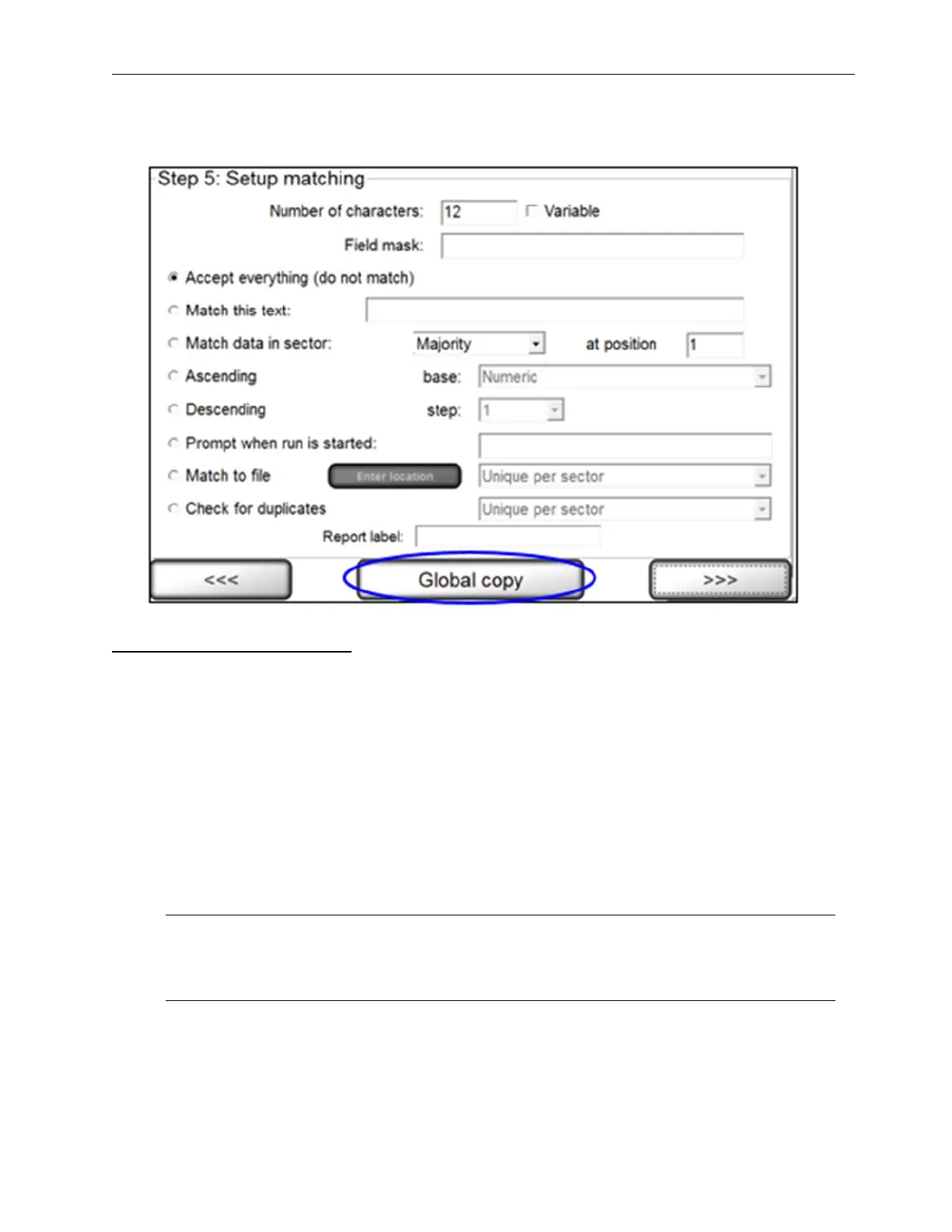
• For all sector types other than Blemish, the Global copy button is visible on the “Step 5: Setup Matching”
screen (see below).
Global Copy Requirements
The Global copy button appears only if:
• There is more than one label per repeat.
• There are at least two sectors.
• There is at least one pair of comparable sectors (same sectors in different lanes)
• The user is on the final step of setting up the sector type.
To define comparable sectors (the same sectors in different lanes), the sectors must:
• Have the same sector type (such as Barcode Read, etc)
• Have the same width (within 20 pixels)
• Have the same height (within 20 pixels)
• Have the same distance from the top of the label (within 20 pixels).
Note: A simple solution to meet the above requirements is to copy and paste the first sector to
the second sector. See the “Copy an Entire Sector” section (within the “Step 3: Create Sectors”
section) for steps on copying sectors.



 To Next Page