LVS-7500 External System Operations Manual
LVS-7500 External System Operations Manual Page 85 of 129
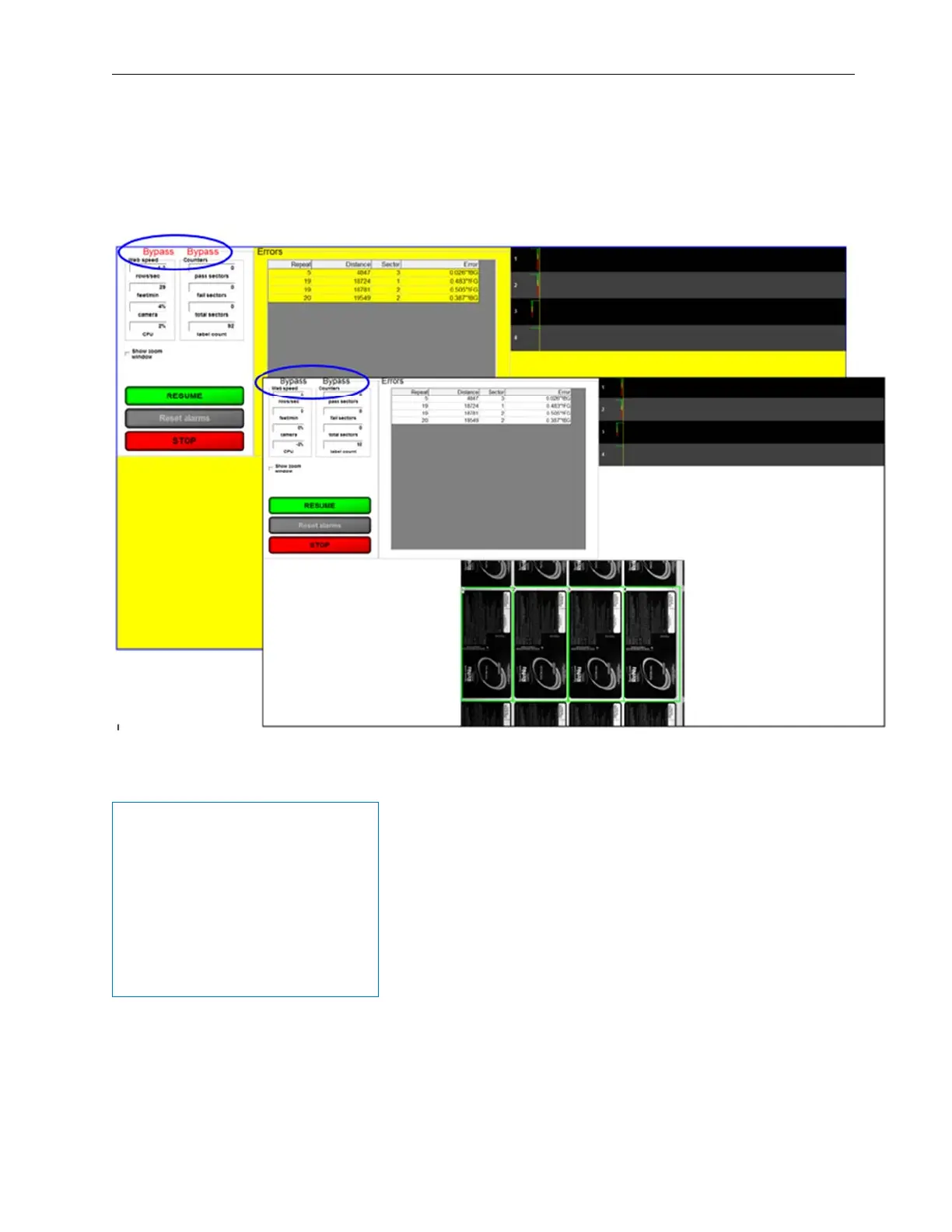
Bypass Button
Click the “Bypass” button to suspend any outputs (such as the stop motion signal) from the LVS-7500. After
clicking the button, the screen flashes between yellow and white (see below) and the word “Bypass” scrolls
across the top, left corner of the screen indicating the system is in Bypass mode. All repeats during Bypass
appear in pink in the Reports\QC File Viewer.
IMPORTANT: The DontProcessDuringBypass setting (within the [System] section) in the LVS7500.ini file
allows you to configure the LVS-7500 to process or not process sectors during bypass.
Example LVS7500.ini file
[System]
A5Follows=34
AddMissingTriggers=0
AutoBreakRoll=0
CameraToError=54
ConsecutiveReadLines=5
CpuUtilizationWarning=75
DontProcessDuringBypass=0
ePedigree=0
Gap=Off
See examples on next two pages.



 To Next Page