LVS-7500 External System Operations Manual
LVS-7500 External System Operations Manual Page 84 of 129
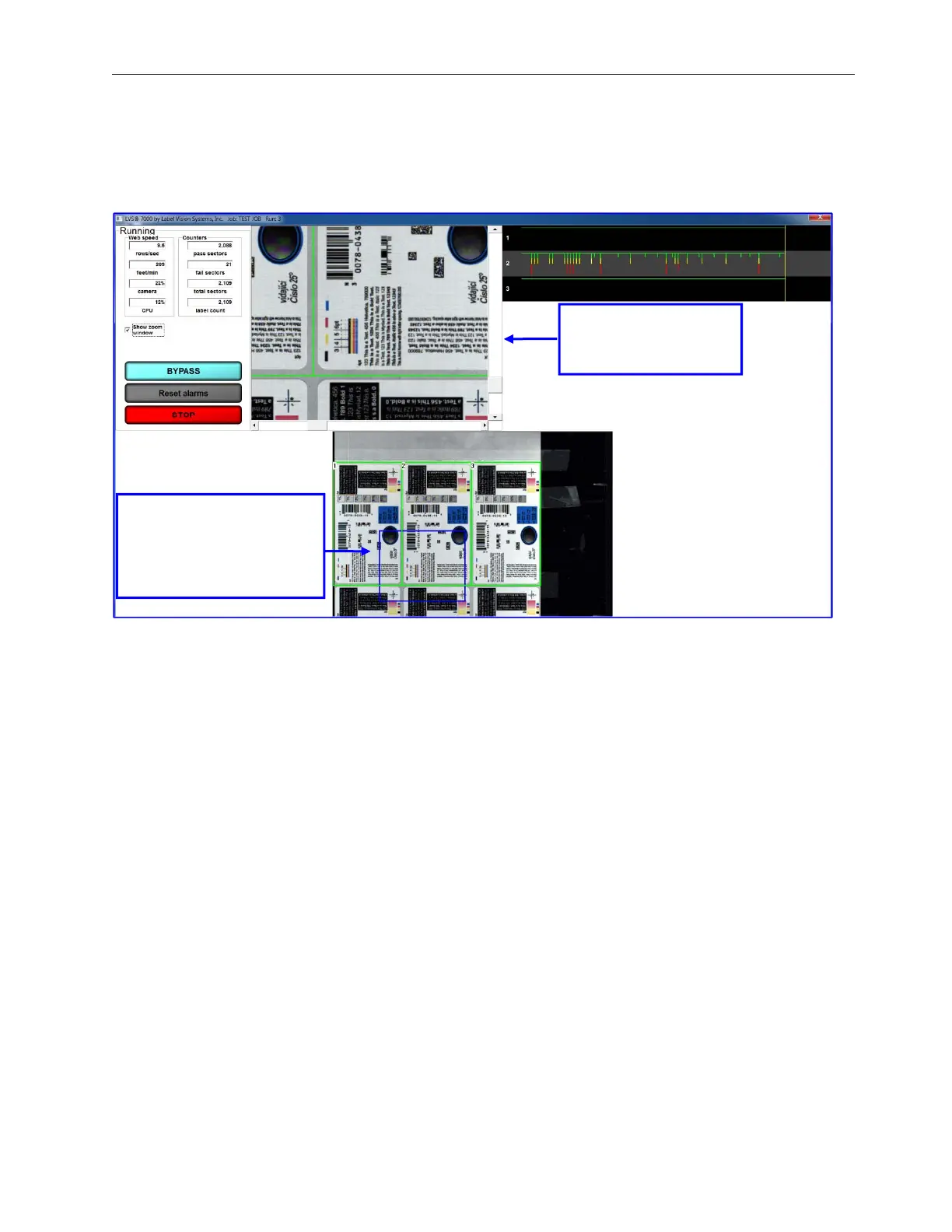
Show Zoom Window
Check the “Show Zoom Window” box to view a magnified image of the label. After checking this box, a blue box
appears in the full web image view. Use your mouse to move the blue box over any portion of the label, and then
a magnified image appears in the top right corner of the screen.
Using your mouse, drag
the blue box over the
label. The magnified
image appears in the top
right corner.
Magnified image of the
area the blue box
below.



 To Next Page