Need help?
Do you have a question about the Omron BP6350 and is the answer not in the manual?
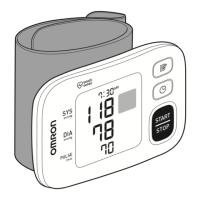
Explanation of the display screen and various symbols used.
Instructions for correctly inserting and replacing batteries.
Step-by-step guide on how to correctly apply the wrist cuff.
Instructions on proper posture and positioning for accurate measurements.
Procedure for taking a blood pressure measurement without a smart device.
Steps to connect and pair the blood pressure monitor with a smart device.
 General
| Brand | Omron |
|---|---|
| Model | BP6350 |
| Category | Blood Pressure Monitor |
| Language | English |


 To Next Page