EasyManua.ls Logo

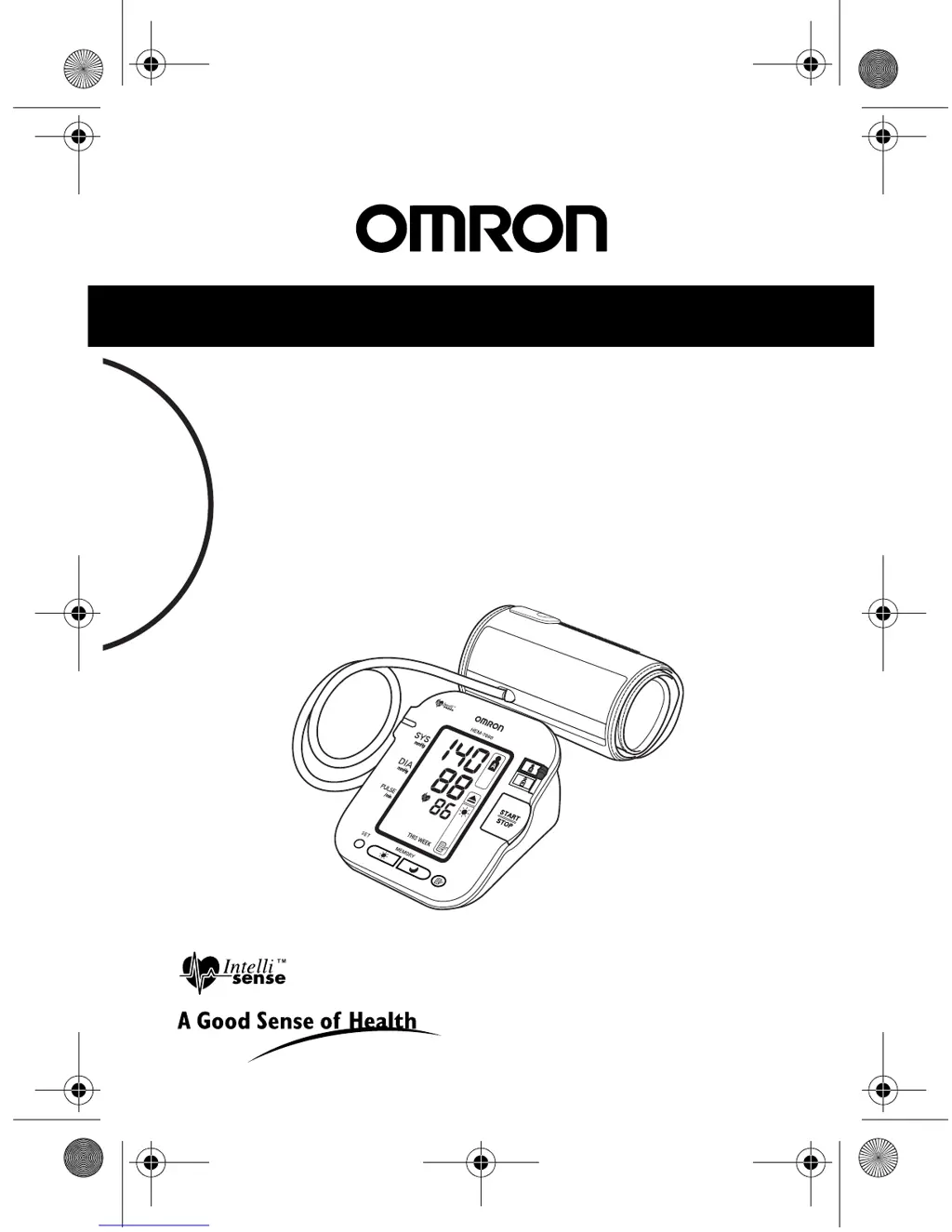
Omron HEM-7080 - User Manual

Omron HEM-7080
88 pages
Print Icon
To Next Page IconTo Next Page
Loading...
Instruction Manual
Digital Automatic
Blood Pressure Monitor
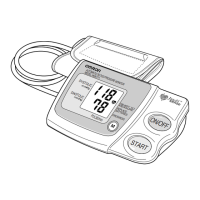
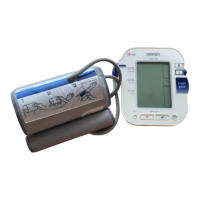
Model HEM-7080
HEM-7080-C1_B_M02_100309.pdf
HEM-7080-C1_B_M.fm Page 1 Tuesday, March 9, 2010 9:05 AM

Questions and Answers

  • K
    Kristin ChristensenJul 31, 2025
    Why are my Omron Blood Pressure Monitor readings too high?
    • J
      Jason GarrettJul 31, 2025
      If you're getting high readings with your Omron Blood Pressure Monitor, make sure the cuff is correctly wrapped around your arm. Also, check that the air plug is properly connected to the unit by firmly pushing it into the air jack. The cuff pressure might not rise if the air plug is loose, even if you can hear the pump motor.
  • H
    Heather SmithAug 10, 2025
    What to do if my Omron HEM-7080 readings are different each time?
    • T
      Traci YangAug 10, 2025
      Blood pressure readings can vary due to the time of measurement and your nervous condition. To get more consistent readings with your Omron Blood Pressure Monitor, take deep breaths to relax before each measurement.
  • D
    Douglas JuarezAug 21, 2025
    How to fix an Omron Blood Pressure Monitor with no display?
    • K
      Kelli RogersAug 21, 2025
      If your Omron Blood Pressure Monitor's display doesn't turn on when you press the START/STOP button, the batteries are likely empty. Replace the batteries to resolve this issue.

Summary

Important Safety Information

General Usage Safety Precautions

Safety guidelines for general operation of the blood pressure monitor.

Optional AC Adapter Safety

Safety precautions when using the optional AC adapter.

Battery Usage Safety

Safety guidelines for installing and using batteries.

Preparation for Use

Using the Blood Pressure Monitor

Applying the Arm Cuff

Step-by-step instructions for correctly fitting the arm cuff.

Taking a Blood Pressure Reading

Guides through the process of performing a measurement.

Taking Measurements in Auto Mode

Step-by-step guide for taking consecutive measurements using Auto Mode.

Using the Memory Function

How to store, display, and average measurement values.

Handling Errors and Problems

Error Messages and Remedies

Lists error codes, their causes, and recommended solutions.

Troubleshooting Common Issues

Addresses common problems, their causes, and solutions.

Maintenance and Storage

Technical Data

Omron HEM-7080 Specifications

General IconGeneral
Measurement MethodOscillometric
Measurement Range (Pressure)0 to 299 mmHg
Measurement Range (Pulse)40 to 180 beats/min
Accuracy (Pressure)±3 mmHg
Accuracy (Pulse)±5% of reading
InflationAutomatic
DeflationAutomatic
Memory60 readings
DisplayLCD
Power Source4 AA batteries
Cuff Size22-32 cm
TypeUpper Arm Blood Pressure Monitor

Related product manuals