EN27
3. Using Your Monitor without a Smart Device
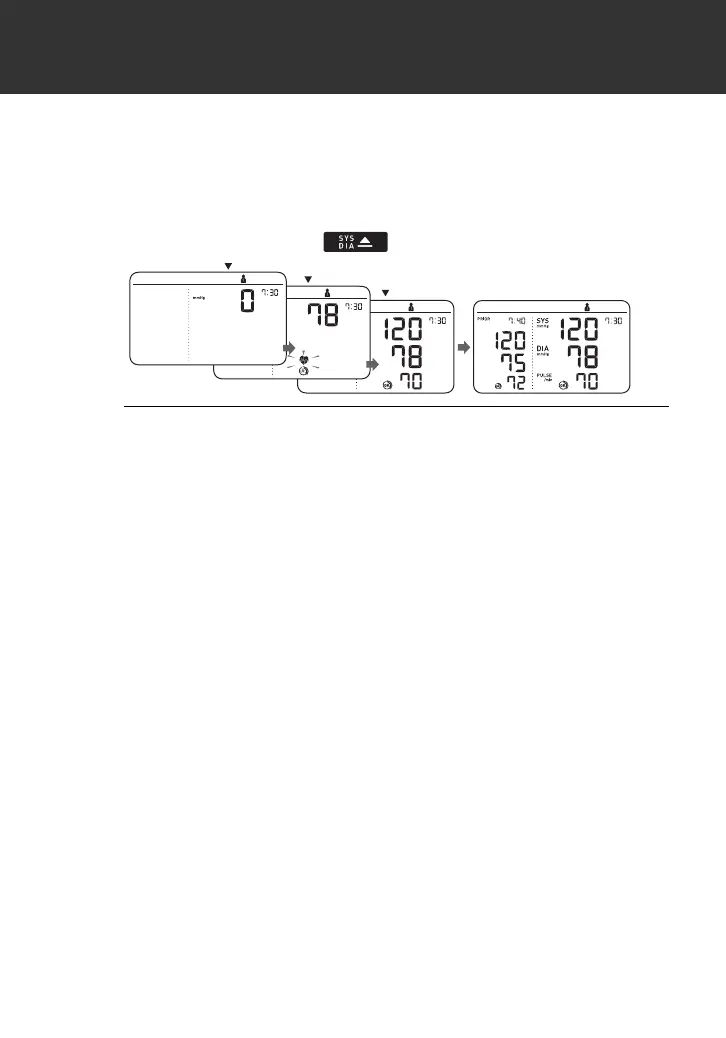
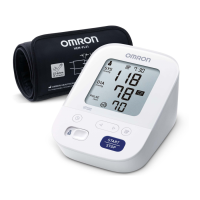
After your monitor has detected your blood pressure and
pulse rate, the cuff automatically deflates. Your blood
pressure and pulse rate are displayed with the previous
reading.
If either the systolic or the diastolic reading is high (refer to
sub-section 1.3), the “ ” symbol appears.
3. Press the [START/STOP] button to turn your
monitor off.
• Your monitor automatically turns off after 2 minutes.
• Wait 2 - 3 minutes between measurements. The wait time
allows the arteries to decompress and return to their
pre-measurement state. You may need to increase the wait
time depending on your individual physiological
characteristics.
INFLATING
START
COMPLETED
2895901-4A_HEM-7361T-ALRU_IM.fm Page 27 Wednesday, October 26, 2022 10:46 AM




 To Next Page