7.Connection Procedure
7.5. Connection Status Check
Check the status of the DeviceNet network connection.
7.5.1. Checking the Connection Status
Confirm that the DeviceNet communication is working.
1
Confirm that the DeviceNet
communications are performed
normally by checking the LED
indicators on each unit.
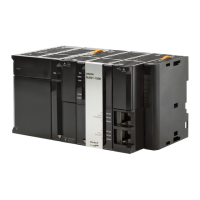
•DeviceNet Unit
LED indicators in normal status:
MS: Lit green
NS: Lit green
The 7-segment display is lit and
shows 63 during normal
operation. (63: Master node
address, remote I/O
communications active and
normal)
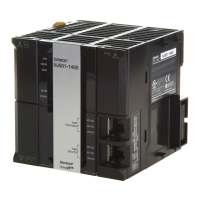
•Safety Network Controller
LED indicators in normal status:
MS: Lit green
NS: Lit green
(DeviceNet Unit)
(Safety Network Controller)
39



 To Next Page