Appendix
201
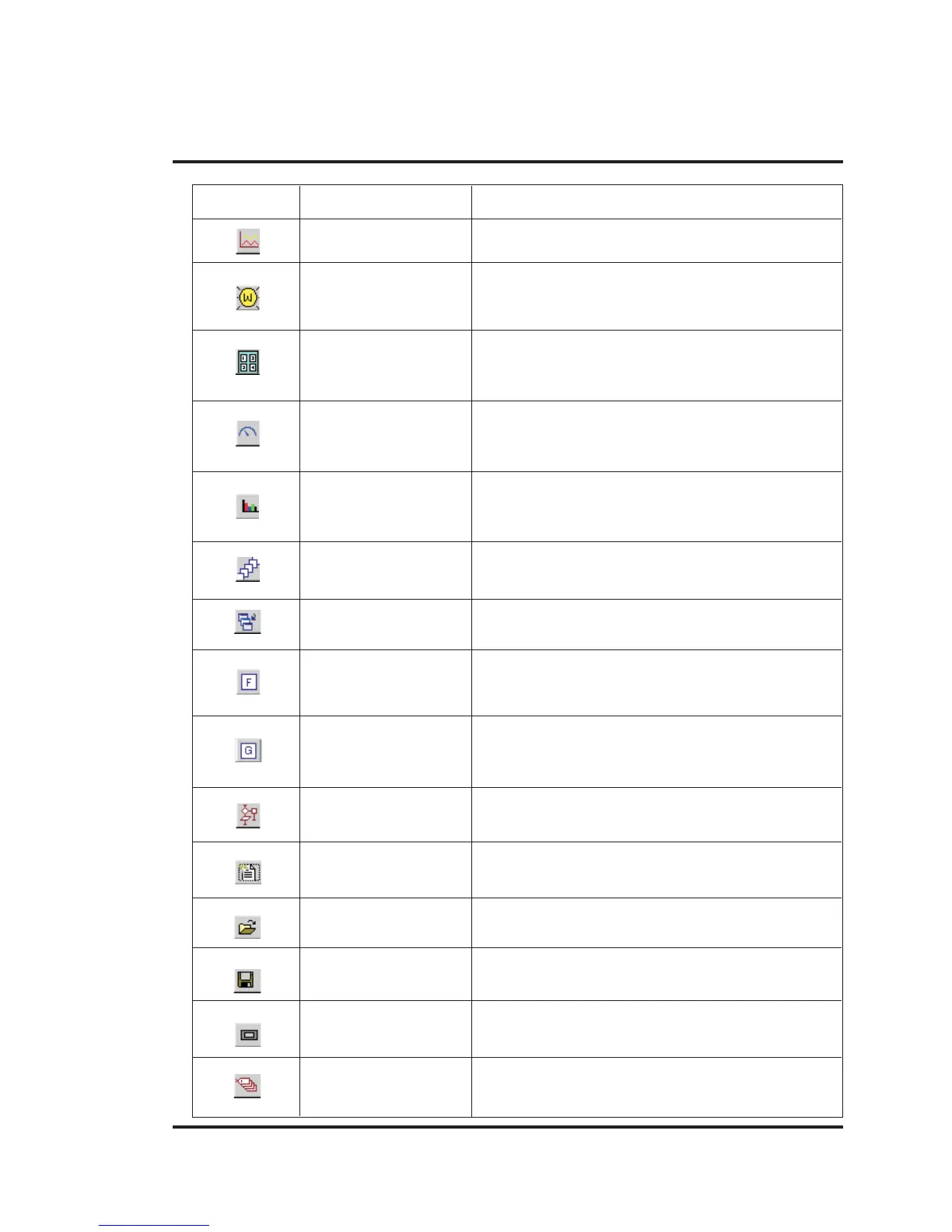
ICON NAME DESCRPITION
Trend Shows graphical representation of tag against real
time.
Word Lamp Performs a set of tasks based on the number of logical
states defined in the configuration.
Numeric Keypad Enters decimal or hex data into the register or 1 or 0
into the coil.
Analog Meter Changes its needle position according to the value
of PLC register.
Multiple Bargraph Changes the bar height/width according to the value in
the PLC register.
All Screens Shows the list of available screens.
Application Tasklist Defines the tasks for the application.
Function Keys Using this screen macros of task can be defined for
Global keys.
Global Keys Tasks defined under this option are executed for
whole application.
Screen Tasklist Shows the task list of the screen.
New Application Creates a new application.
Open Application Opens an existing application stored on disk.
Save Application Saves application by default in “Project” Directory.
NTXS Settings Defines unit’s hardware configuration settings.
Tags It is the central database for the tags that need to be
used in the application



 To Next Page