12 SmartController EX User's Guide 11069-000 Rev. H
2.2 What to Do in an Emergency / Abnormal Situation
Special Information
There are several types of notation used to call out special information.
IMPORTANT: Information to ensure safe use of the product.
NOTE: Information for more effective use of the product.
Additional Information: Offers helpful tips, recommendations, and best prac-
tices.
Version Information: Information on differences in specifications for different
versions of hardware or software.
2.2 What to Do in an Emergency / Abnormal Situation
Stopping the Robot
Press any E-Stop button (a red push-button on a yellow background) and then follow the
internal procedures of your company or organization for an emergency situation.
Fire Response
If a fire occurs, use CO
2
to extinguish the fire.
2.3 Safety Precautions
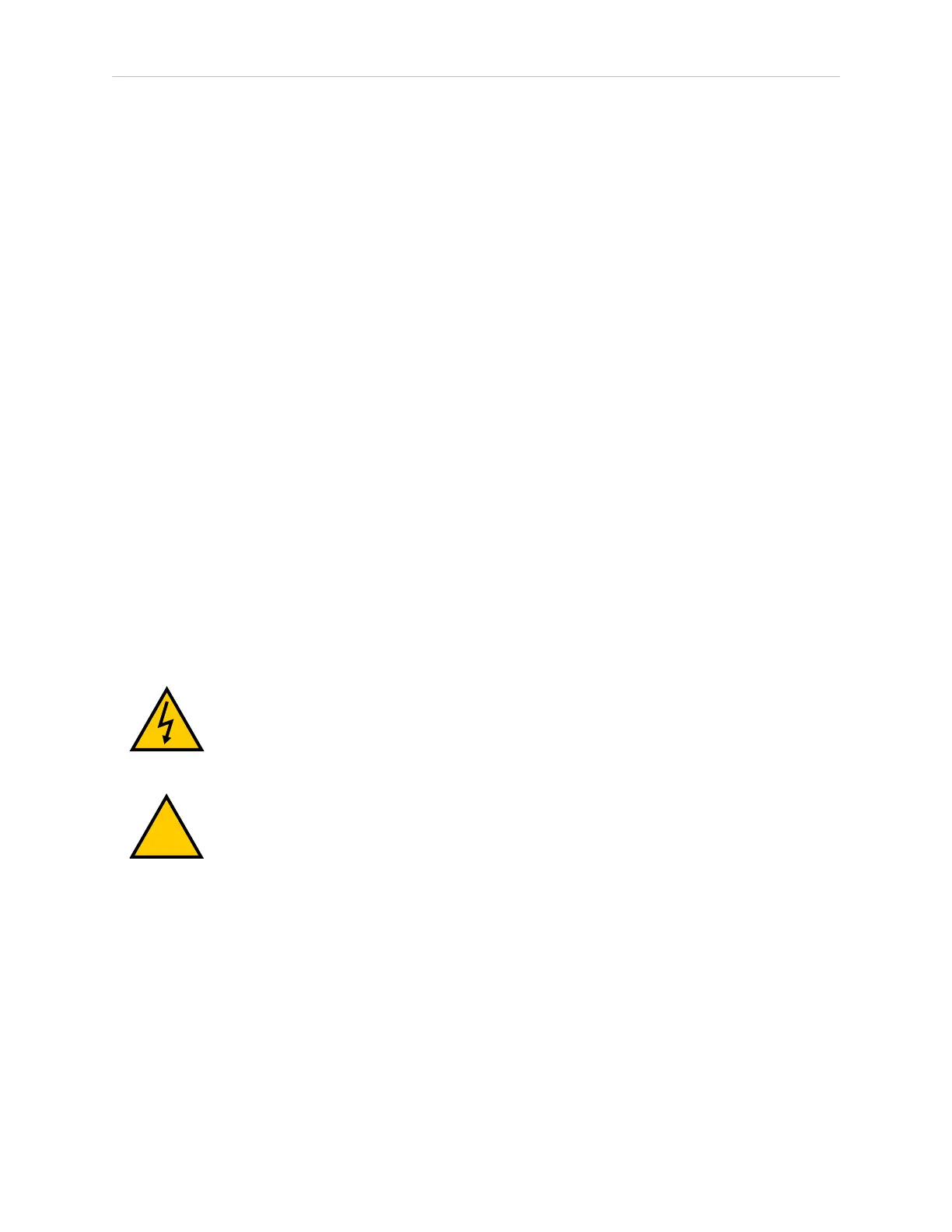
WARNING: ELECTROCUTIONRISK
During maintenance, disconnect AC power from the robot, and install a lock-
out tag-out to prevent anyone from reconnecting power.
WARNING: PERSONALINJURYORPROPERTYDAMAGERISK
An industrial robot can cause serious injury or death, or damage to itself and
other equipment, if the safety precautions in this manual are not observed.
2.4 Additional Safety Information
We provide other sources for more safety information:
Manufacturer’s Declarations
This lists the standards with which the robots and controllers comply. The Manufacturer’s
Declarations are in the Manufacturer's Declaration Guide.







 To Next Page