60 SmartController EX User's Guide 11069-000 Rev. H
6.2 Limitations of the DeviceNet Scanner
6.2 Limitations of the DeviceNet Scanner
The DeviceNet Scanner that is incorporated into the SmartController EX motion controller hard-
ware and the eV+ operating system currently supports only a subset of full DeviceNet func-
tionality. The following is a summary of this DeviceNet implementation:
l
Implemented the Master-Slave operation. This is a complete subset of Peer-to-Peer oper-
ation.
l
Implemented the Unconnected Message Manager (UCMM) in its DeviceNet Scanner to
establish connections.
UCMM is used to establish I/O Connections.
l
The DeviceNet Scanner can be a Client or a Server on the network.
l
The DeviceNet Scanner currently does not support Cyclic or Change-of-State connections.
l
Only I/O Messaging is supported. I/O messages contain only data.
l
Currently, only the Message Group 2 of the Predefined Master / Slave Connection Set is sup-
ported.
l
Message Group 2 I/O connections support only the I/O Poll Command / Response Message
of the possible message types.
6.3 DeviceNet Port on the Controller
The DeviceNet port on the SmartController EX motion controller has the following con-
figuration:
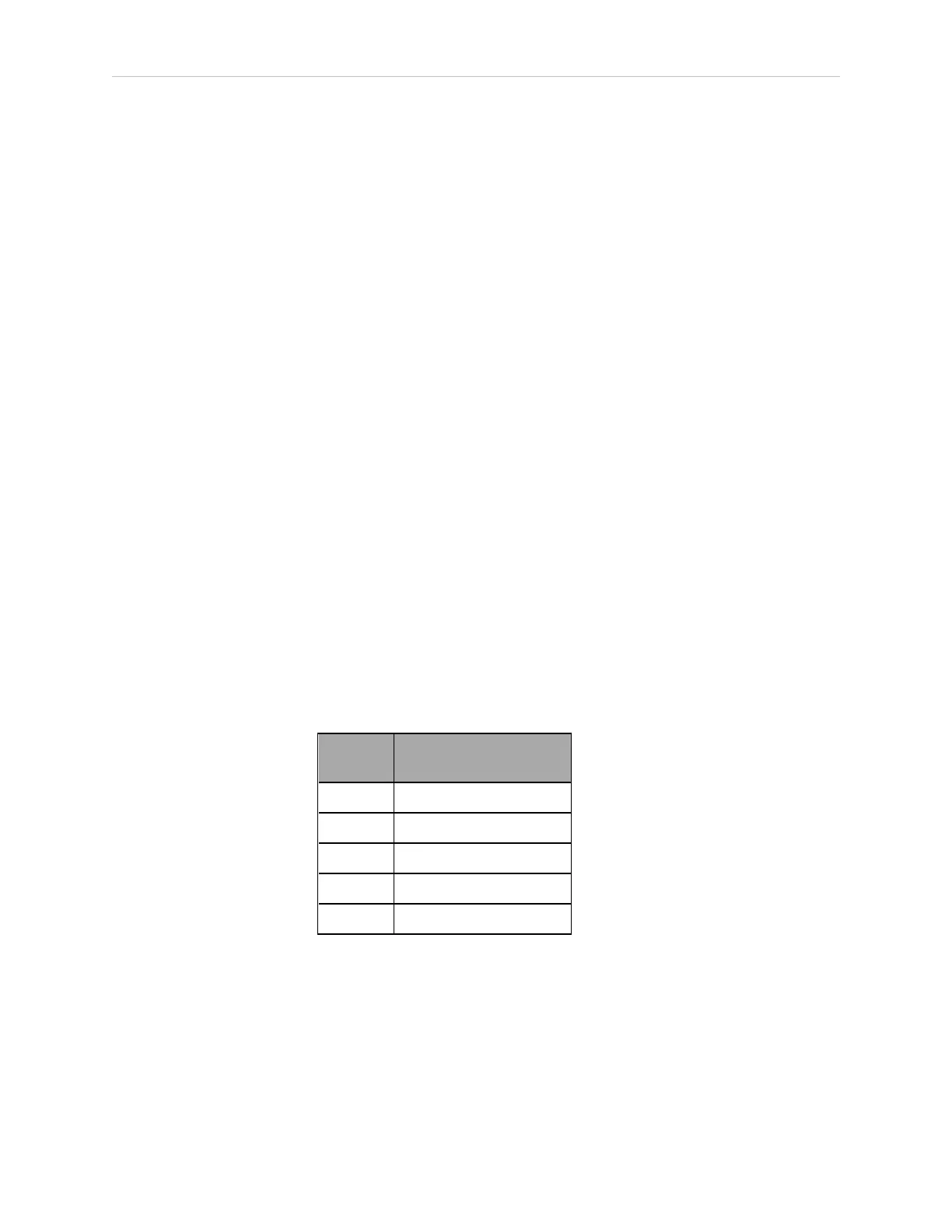
Micro-style 12 mm thread DIN connector (female). See the following table for pin assignments.
Table 6-1. DeviceNet Signal-to-Pin Locations
Pin
Number
Signal
Name
1 Drain
2 V+
3 V-
4 CAN_H
5 CAN_L
See the figure Micro-Style DeviceNet Connector Pinouts (Viewed from Contact End) on page 69
for a drawing of the connectors.
Connecting DeviceNet Hardware to the Controller
To connect DeviceNet components to the controller, connect a drop line to the female Micro-
style 12 mm-thread DIN connector on the front of the controller. Then you must configure the
DeviceNet Scanner correctly using the ACE Configuration Tools.







 To Next Page