36 SmartController EX User's Guide 11069-000 Rev. H
4.5 Connecting User-Supplied Safety and Power-Control Equipment
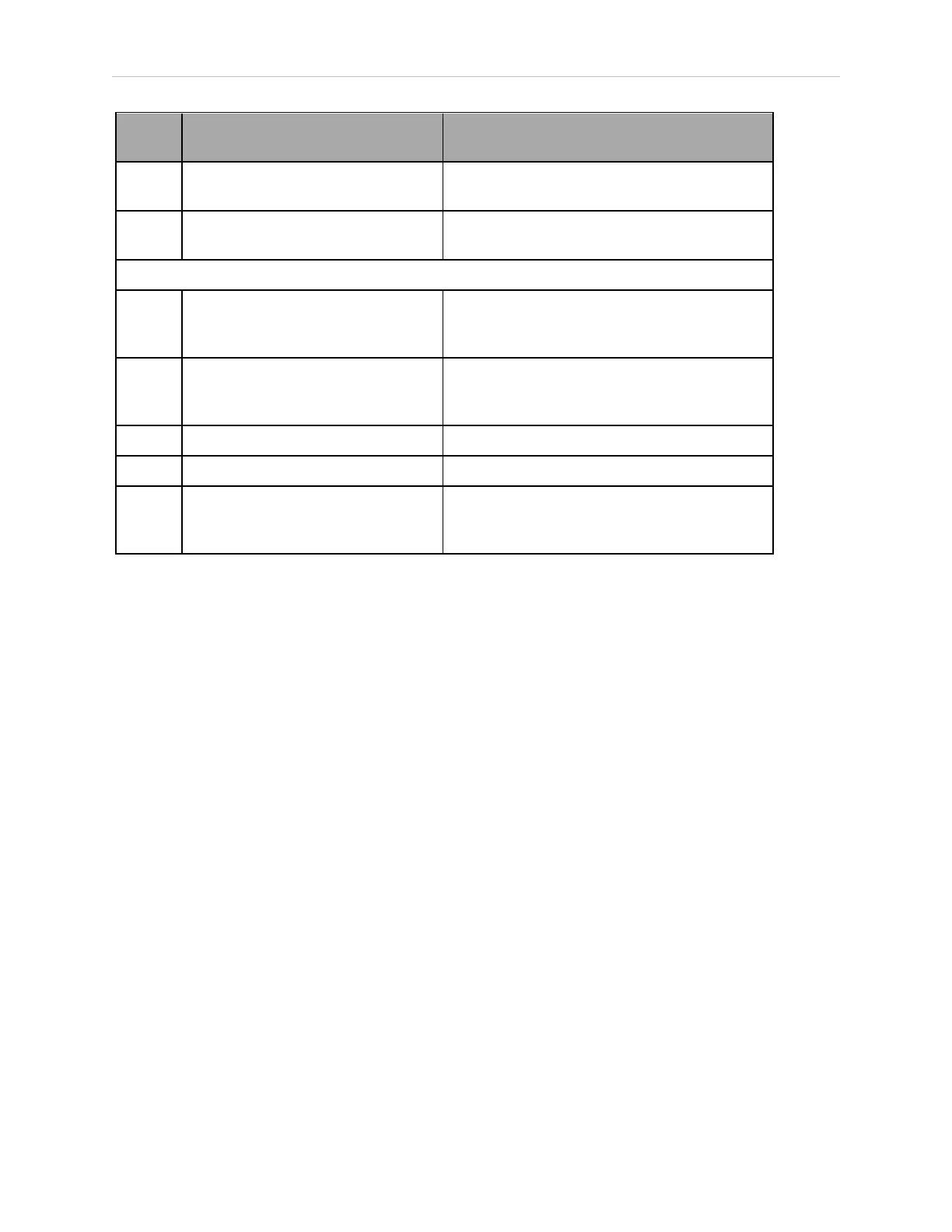
Pin
Pairs
Description Comments
5, 18 Muted Safety Gate CH 1 (causes E-
Stop in Automatic mode only)
N/C contacts, Shorted if NOT Used
6, 19 Muted Safety Gate CH 2 (same as
pins 5, 18)
N/C contacts, Shorted if NOT Used
Voltage-Free Contacts provided by the System
7, 20 E-Stop indication CH 1 Contacts are closed when Front Panel,
pendant, and customer E-Stops are not
tripped
8, 21 E-Stop indication CH 2 (same as
pins 7, 20)
Contacts are closed when Front Panel,
pendant, and customer E-Stops are not
tripped
9, 22 Manual / Automatic indication CH 1 Contacts are closed in Automatic mode
10, 23 Manual / Automatic indication CH 2 Contacts are closed in Automatic mode
11, 12,
13, 24,
25
No connection







 To Next Page