Gladius H73X 3730
11
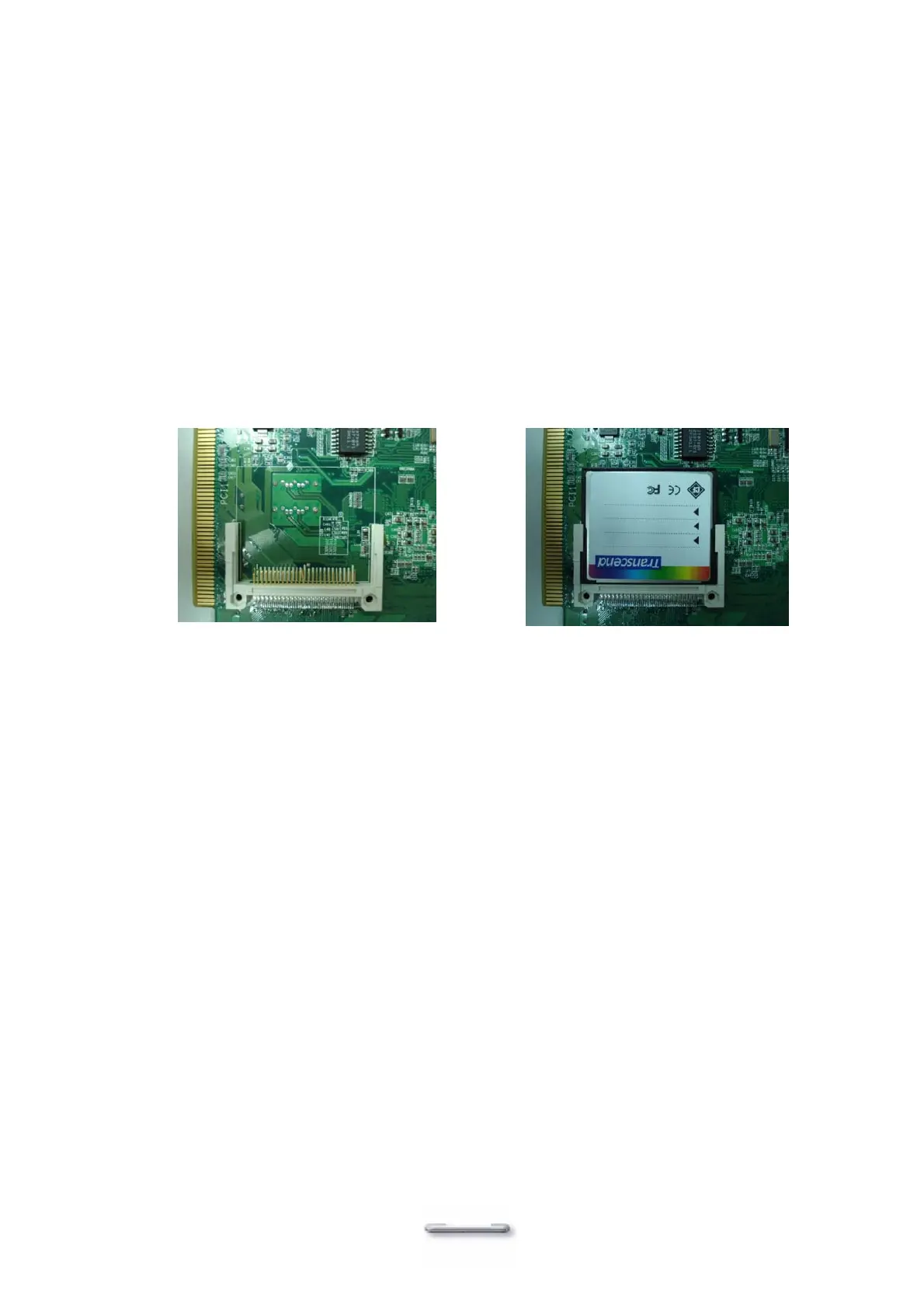
Compact Flash Installation
Model H700 will configure Compact Flash in IDE mode as secondary master after it is installed.
The next available drive letter will be automatically assigned to Compact Flash.
Installing Compact Flash
1. Turn off power and remove power cable from Model H700.
2. As the compact Flash socket is located on the soldering side of M/B, remove the 4 screws
and disassemble the front panel plate.
3. Insert Compact Flash
4. Assemble front panel plate to main unit.
5. Connect the main unit power.


 To Next Page