Gladius H73X 3730
19
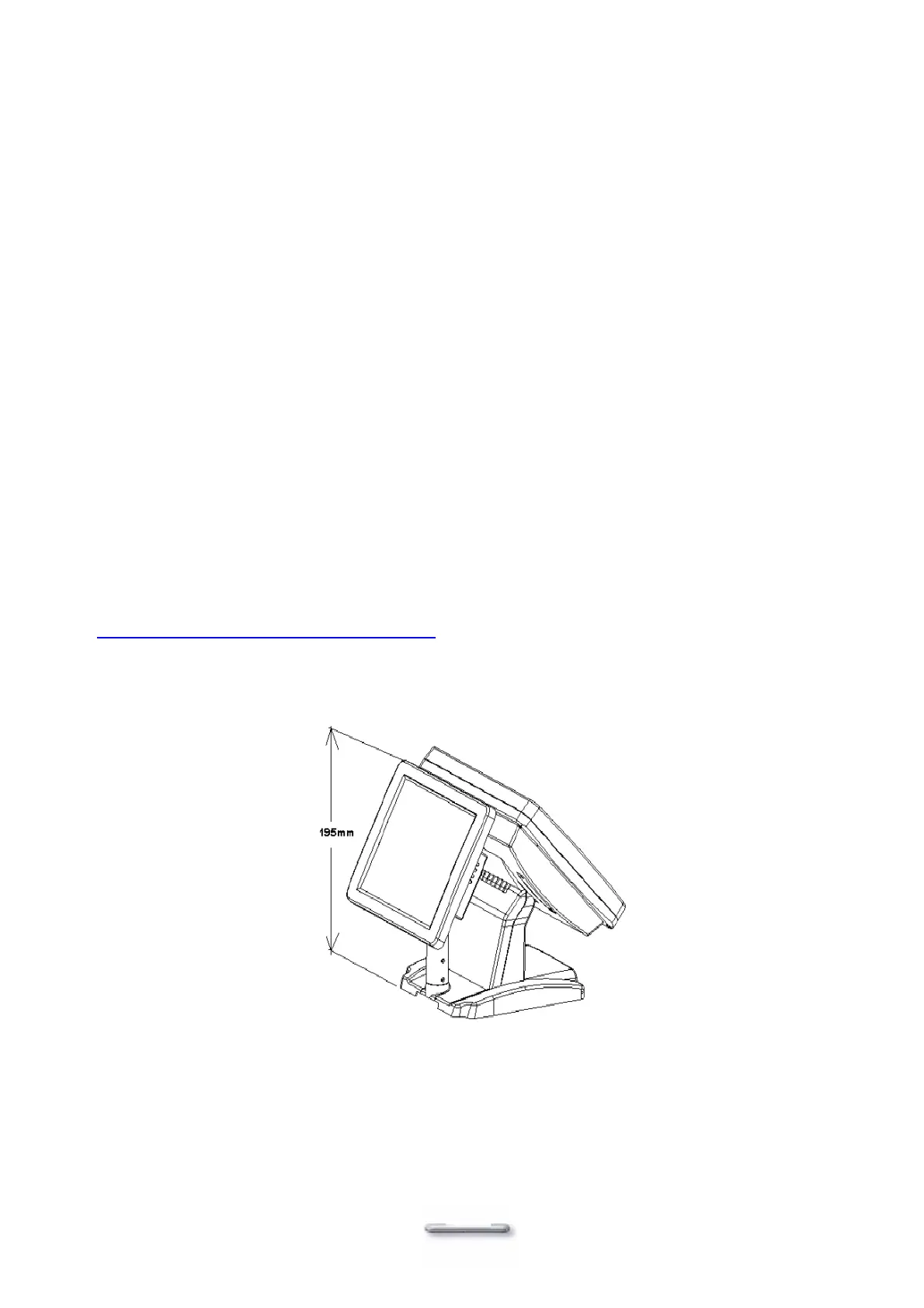
Optional second LCD Panel Display
An optional second LCD panel can be easily installed on Model H700.
There are two standard pole heights for your selection, 150mm and 300mm.
The mechanical fitting of the second panel display is user friendly.
1. Position the Model H700 onto it’s side.
2. Remove the 4 screws and Mounting Cover from the base unit.
3. Position the second Panel Display, Pole and Holder to the base and secure firmly with
the 4 screws.
Now connect the second Panel Display cables to the Power and VGA sockets on the
underside of the Model H700 unit. If you also ordered the second display Touch panel
option then connect this to the COM4 socket.
Note. The BIOS settings should be altered to make COM4 use IRQ11, and boot Display
‘CRT+LVDS’ should be enabled.
The driver would be different depends on the OS you are using, please refer to the CD
that came with your Model H700, or visit our website at:
http://www.firich.com.tw/tech_drivers.htm


 To Next Page