73
4
Reviewing past results
Downloading results to a computer
Your meter can work with diabetes management software,
which provides a visual way to track key factors that
affect your blood sugar. To learn more about diabetes
management tools available to you, contact Customer
Service. Call OneTouch® Customer Care on 0800121200
(UK) or 1800535 676 (Ireland) during the hours of
8:30am-6pm Monday-Friday, 9am-1pm Saturday. Or visit
www.LifeScan.co.uk.
Connect only to a computer certified to UL 60950-1 (
).
To transfer meter data, follow the instructions provided
with the diabetes management software product to
download the results from the meter. You will need a
standard micro USB interface cable to connect your
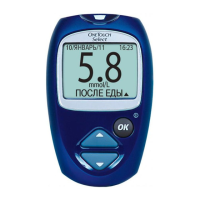
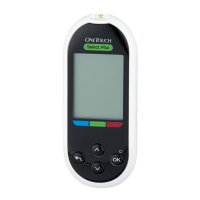
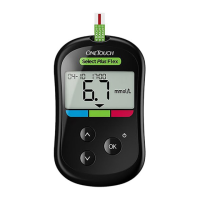
OneTouchSelect Plus Flex™ Meter to a computer to
download results (not included).
in
PF3130451Rev1_OTSPF_OB_I_GB_en_zug_R2.indd 73 3/12/15 11:36 AM
Statement of Use: Verify status before each use
Effectivity Date: Mar 18 2015 Status: Current State: Released
Type: Project File Name: 3130451 Revision: 1





 To Next Page