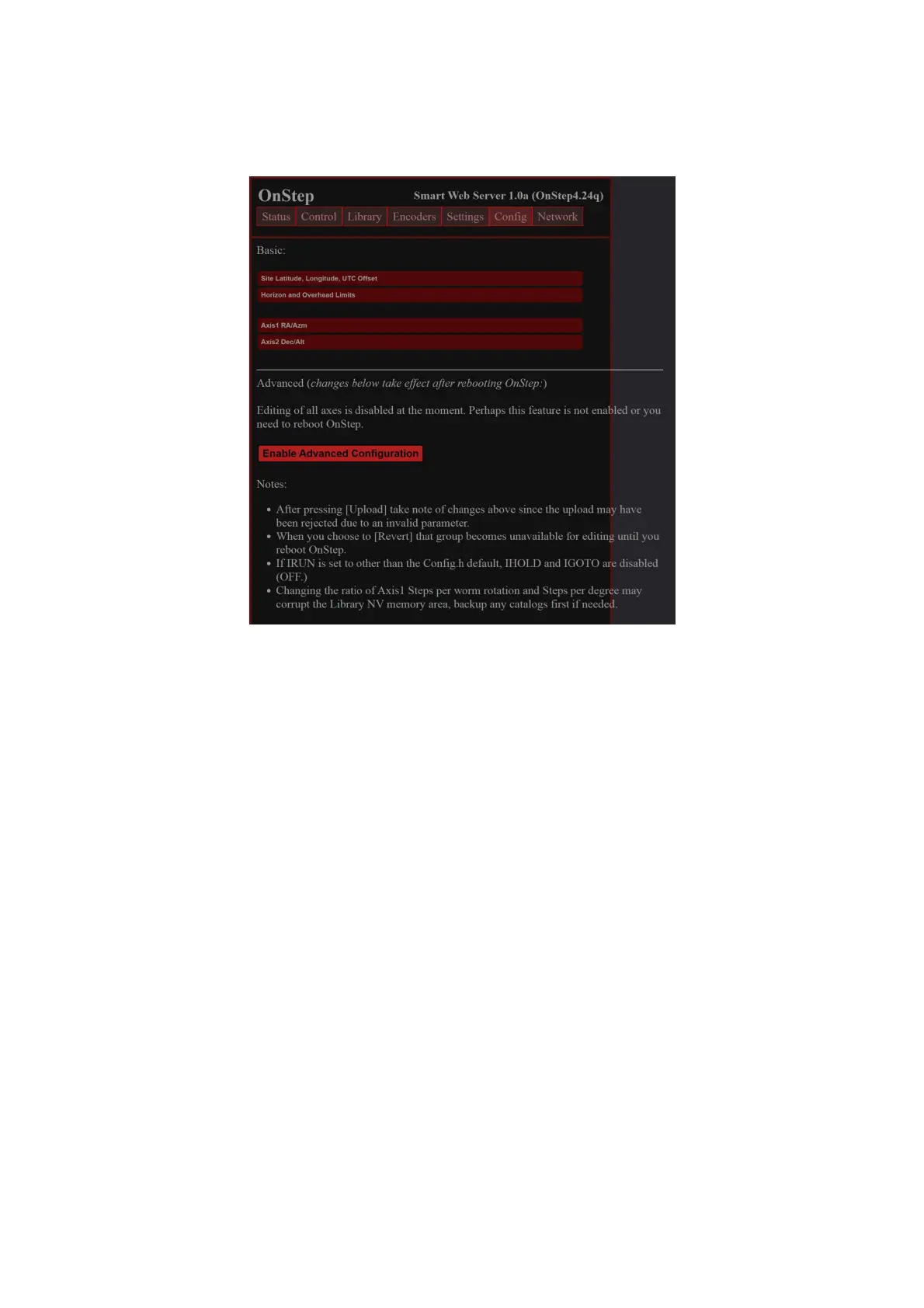
You can set your Site information under the Config. There are some advanced
configuration under the Config Tab too:
Changing WiFi Configuration
Navigate to the Network tab to adjust WiFi settings:
Default WiFi Password: The initial password is set to “password”.
While you may wish to modify the SSID and/or password for security reasons, it's
crucial to proceed with caution when altering these settings. It is imperative that you
remember any new password set, as there is no straightforward method to retrieve or
reset a forgotten password. In the event of a lost password, the unit must be returned
to us for a password reset, which will necessitate covering all associated shipping
costs and a service fee.
25


 To Next Page