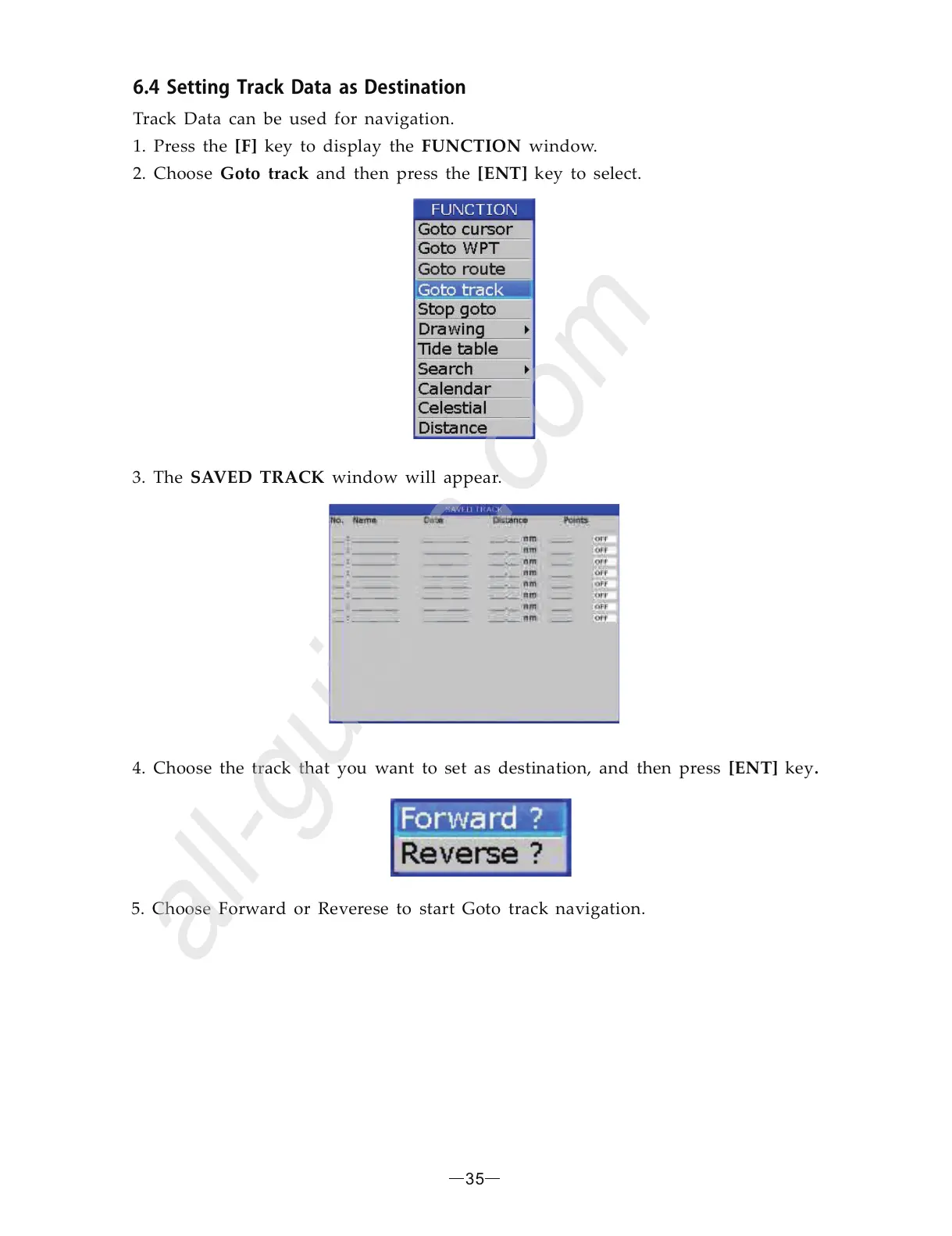
3. The window will appear. SAVED TRACK
6.4SettingTrackasDestinationData
[F] FUNCTION
[ENT]
Track Data can be used for navigation.
1. Press the key to display the window.
press the key to select.2. Choose and thenGoto track
4. Choose the track that you want to set as destination, and then press key [ENT] .
5. Choose Forward or Reverese to start Goto track navigation.
35


 To Next Page