11.10Datafield
[MENU] SOUNDER
Data field [ENT]
1. Press key in screen.
2. Choose and then press key. The following window will appear.
3. Data field setup
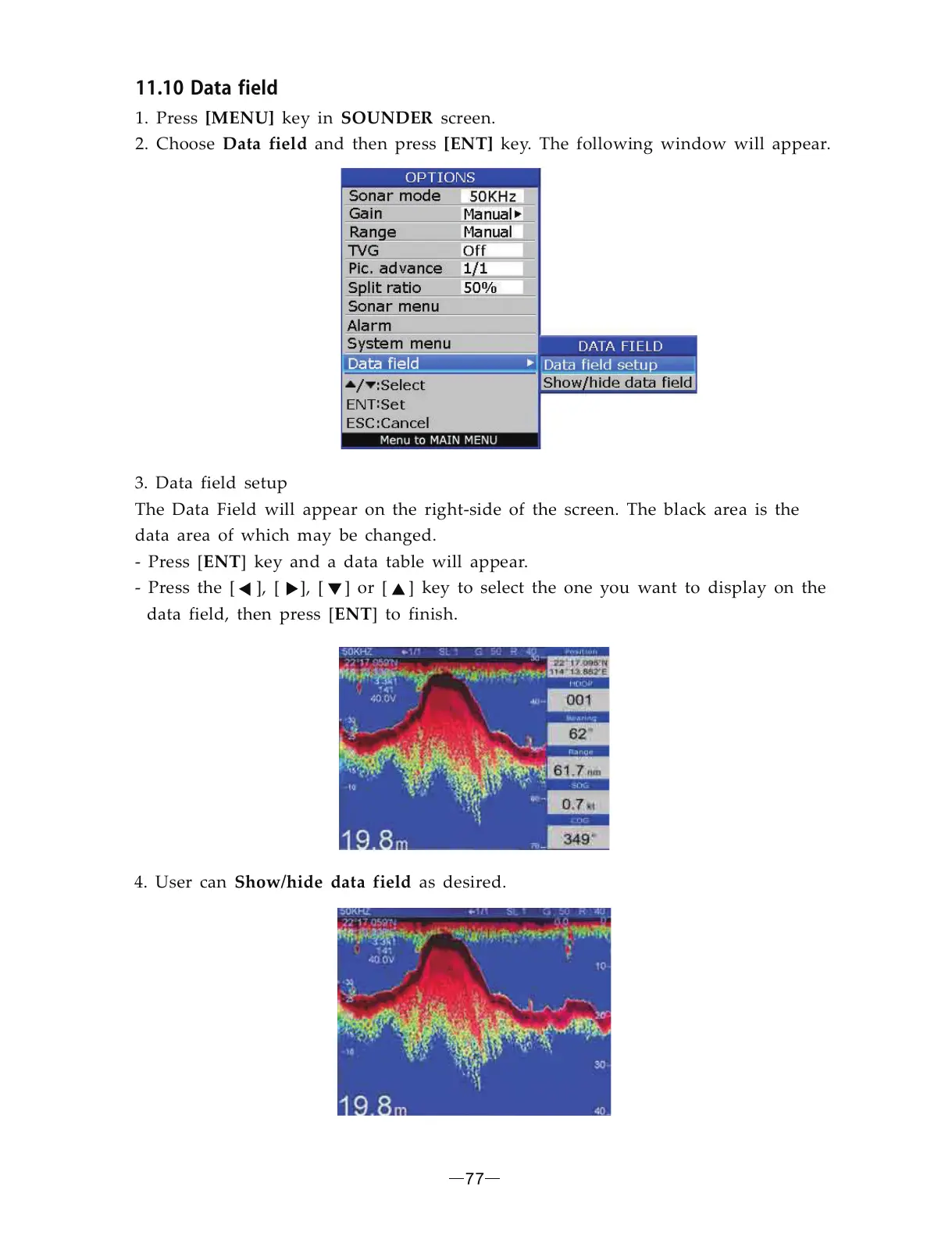
The Data Field will appear on the right-side of the screen. The black area is the
data area of which may be changed.
- Press [ ] key and a data table will appear.
- Press the [ ], [ ], [ ] or [ ] key to select the one you want to display on the
data field, then press [ ] to finish.
ENT
ENT
4. User can as desired. Show/hide data field
77



 To Next Page