8.8ErasingDrawingLines
[MENU]
Edit [ ]
Drawing lines [ENT]
[ENT]
1. Press key twice to enter main menu.
2. Choose and then press key to select.
3. Choose and the press key to select.
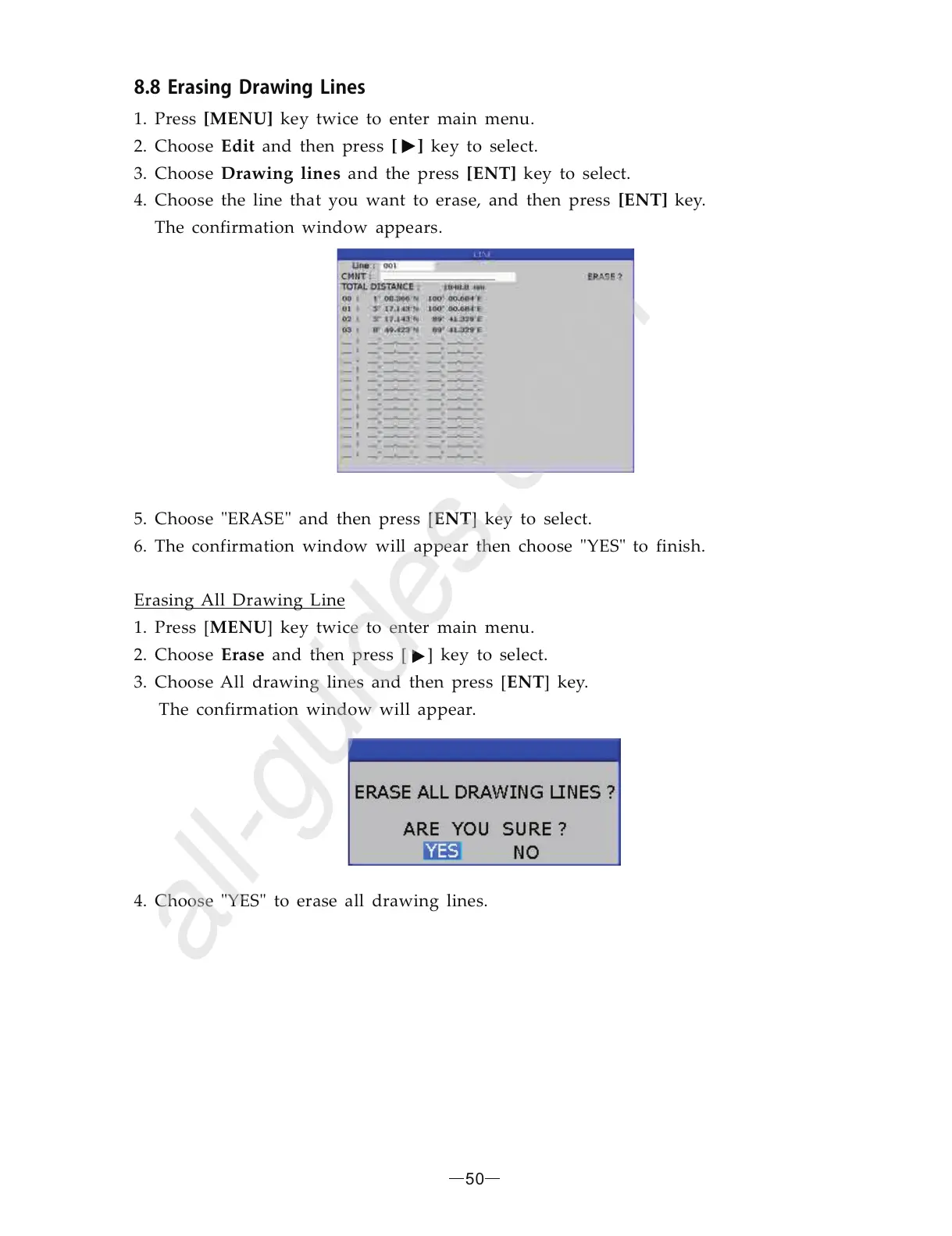
4. Choose the line that you want to erase, and then press key.
The confirmation window appears.
5. Choose and then press [ ] key to select.
6. The confirmation window will appear then choose to finish.
1. Press [ ] key twice to enter main menu.
2. Choose and then press [ ] key to select.
3. Choose All drawing lines and then press [ ] key.
The confirmation window will appear.
4. Choose YES to erase all drawing lines.
ENT
MENU
Erase
ENT
Erasing All Drawing Line
"ERASE"
"YES"
" "
50


 To Next Page