8.4EditingDrawingMarks
1. Press key twice to enter main menu.
2. Choose and then press key to select.
3. Choose and then press key.
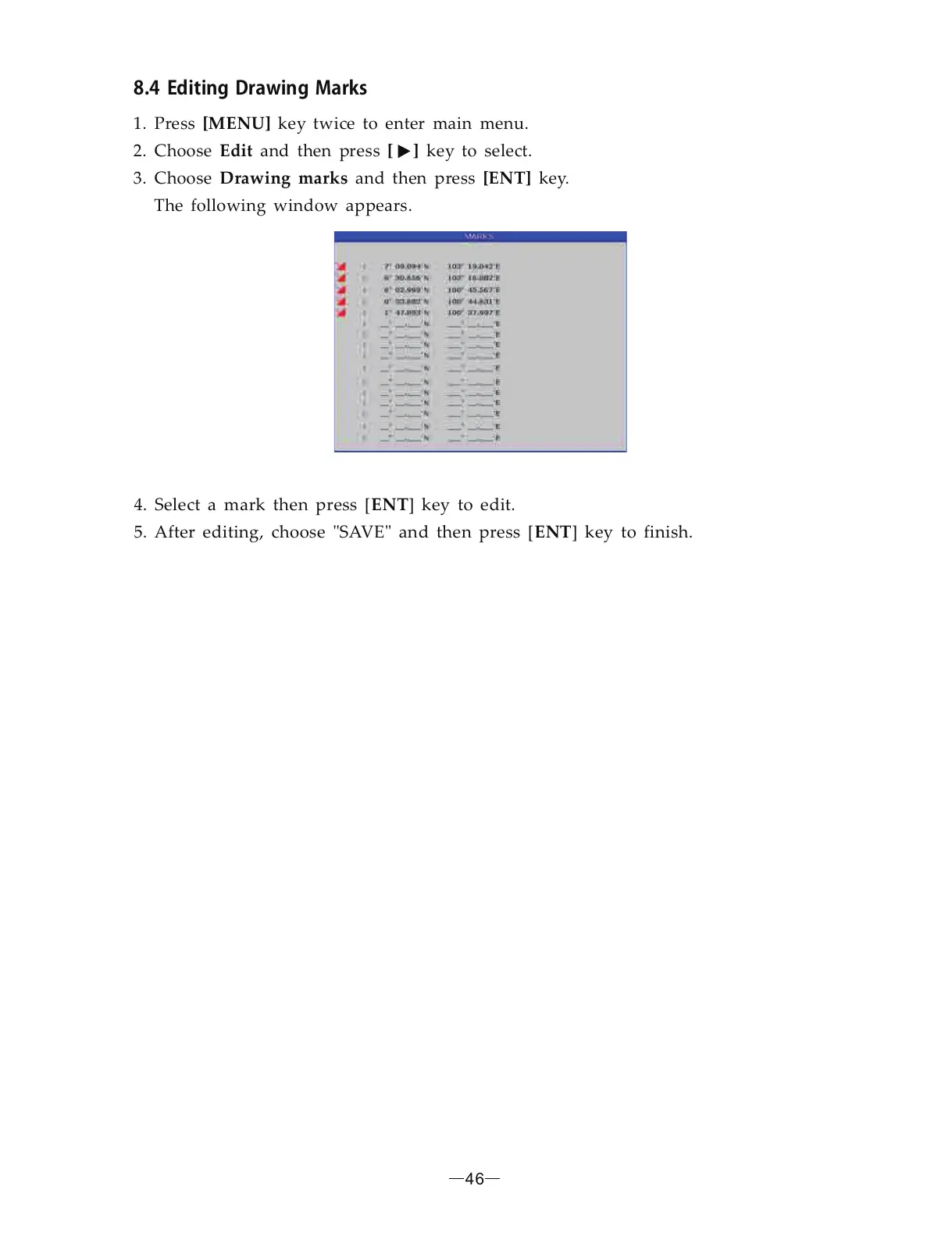
The following window appears.
[MENU]
Edit [ ]
Drawing marks [ENT]
4. Select a mark then press [ ] key to edit.
5. After editing, choose SAVE and then press [ ] key to finish.
ENT
ENT" "
46


 To Next Page