5.2EditingRoutes
Replacing waypoints in a route
1. Press the key twice to enter main menu.
2. Choose and then press key to select.
3. Choose and then press key to select.
4. Choose the route to edit and then press key.
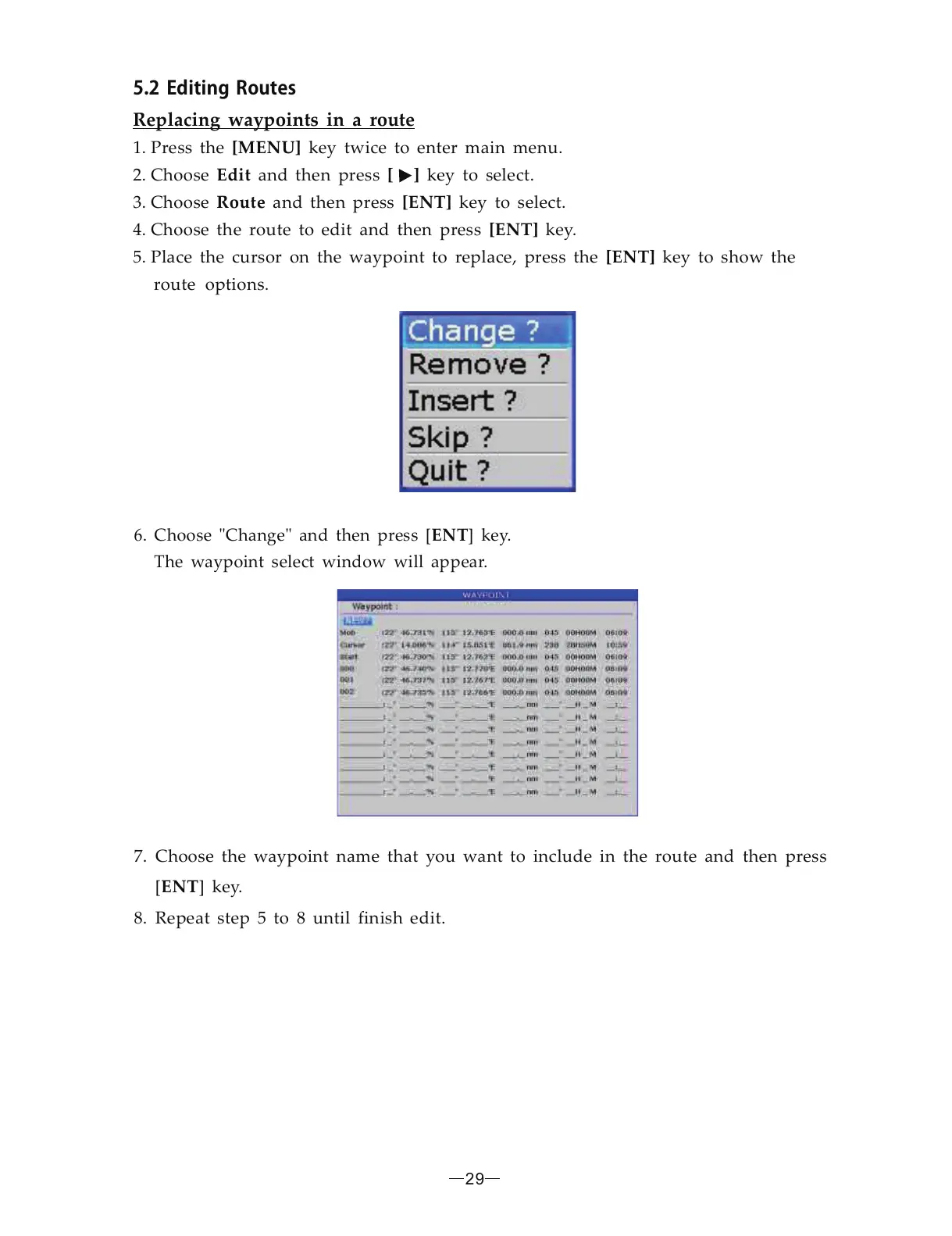
5. Place the cursor on the waypoint to replace, press the key to show the
route options.
[MENU]
Edit [ ]
Route [ENT]
[ENT]
[ENT]
6. Choose Change and then press [ ] key.
The waypoint select window will appear.
ENT" "
7. Choose the waypoint name that you want to include in the route and then press
[ ] key.
8. Repeat step 5 to 8 until finish edit.
ENT
29



 To Next Page