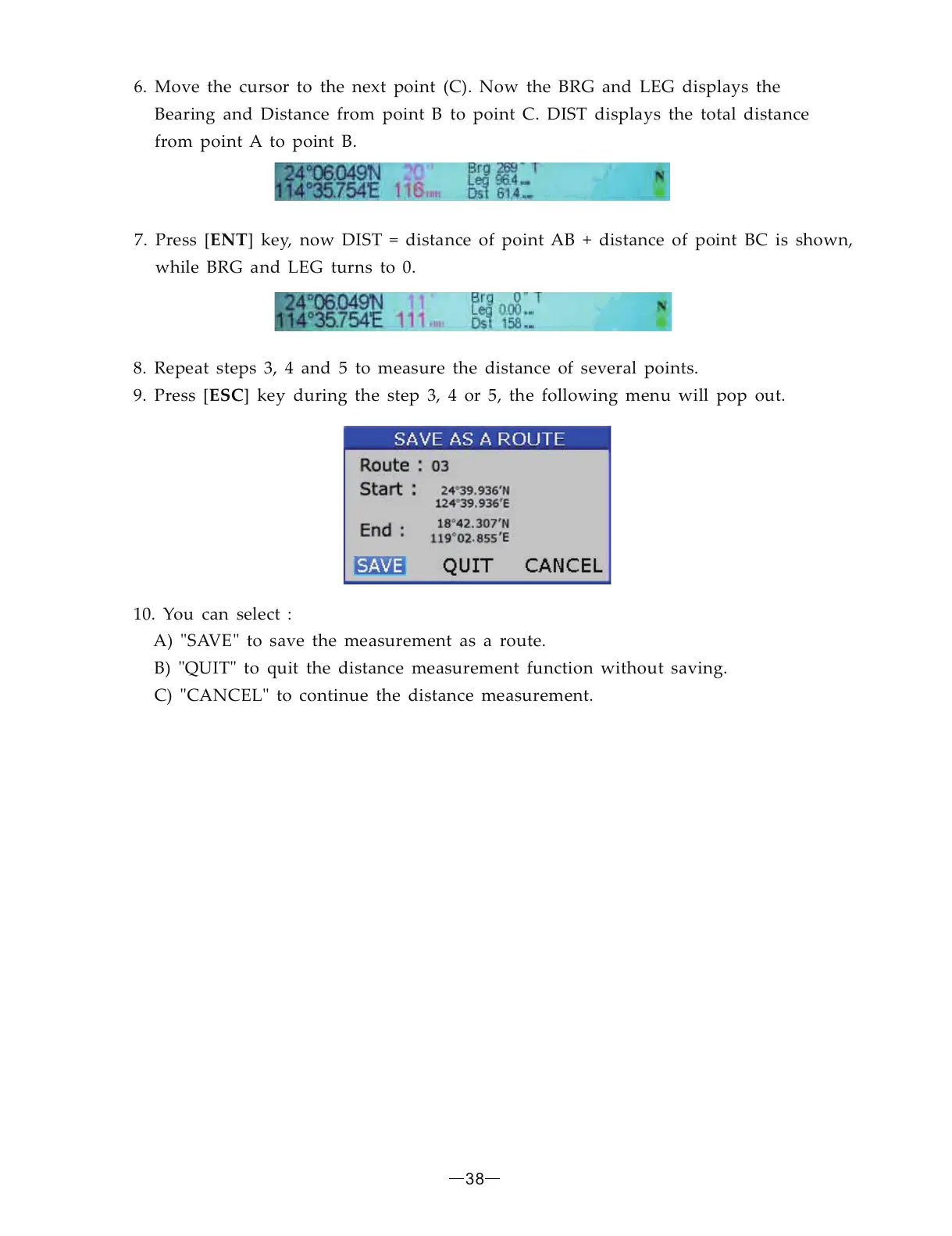
6. Move the cursor to the next point (C). Now the BRG and LEG displays the
Bearing and Distance from point B to point C. DIST displays the total distance
from point A to point B.
7. Press [ ] key, now DIST = distance of point AB + distance of point BC is shown,
while BRG and LEG turns to 0.
ENT
8. Repeat steps 3, 4 and 5 to measure the distance of several points.
9. Press [ ] key during the step 3, 4 or 5, the following menu will pop out.
10. You can select :
A) SAVE to save the measurement as a route.
B) QUIT to quit the distance measurement function without saving.
C) CANCEL to continue the distance measurement.
ESC
" "
" "
" "
38


 To Next Page