OP5700 User Manual OPAL-RT Technologies 19
Installation
Cabling Instructions
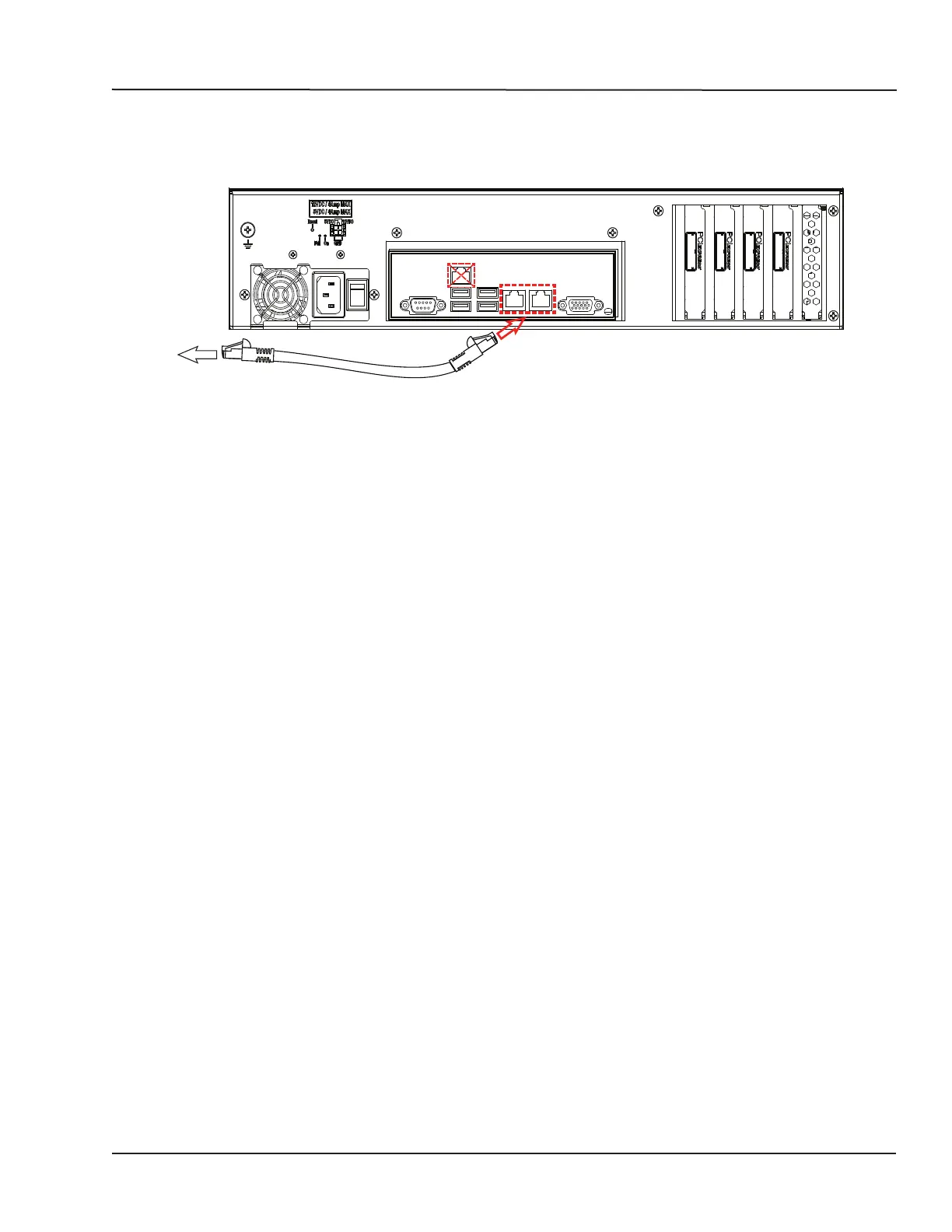
CONNECTING NETWORK CABLES
The network cable must only be connected to the standard computer connector network jack. DO NOT
connect the network cable in any jack other than the jack intended for that purpose.
To network
To simulator
Figure 12: Connecting network cables
See the System Integration document for information about the active port.



 To Next Page