EasyManua.ls Logo

Opal-RT OP4200 - User Manual

Opal-RT OP4200
38 pages
Print Icon
To Next Page IconTo Next Page
Loading...
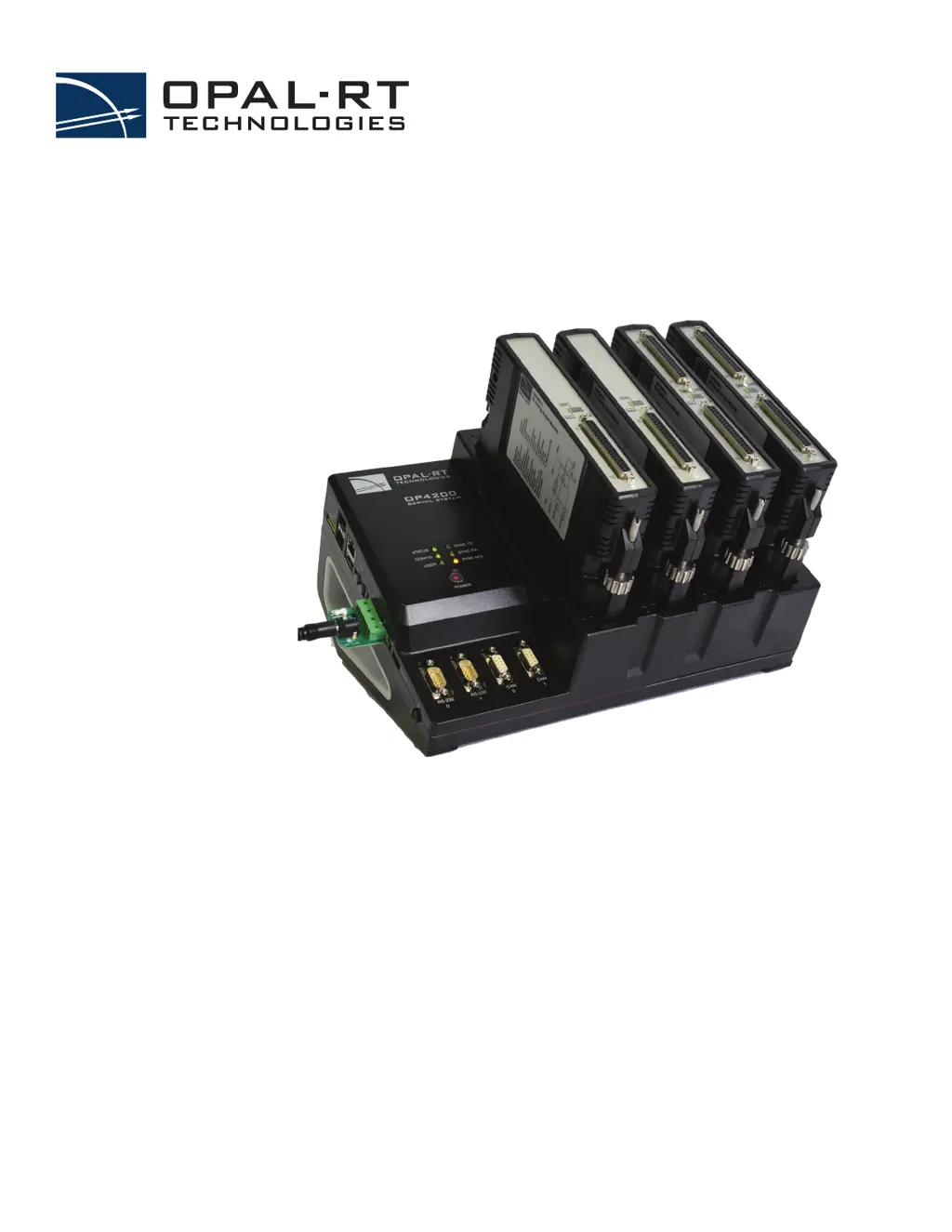
OP4200 RCP/HIL SYSTEM
USER MANUAL
www.opal-rt.com

Questions and Answers

Summary

OP4200 System Overview

System Interconnection Details

Explains SFP ports for high-speed communication using Aurora and MUSE protocols.

OP4200 Hardware Components

Receiving and Verification

Instructions for unpacking and checking the OP4200 hardware components for damage.

Standard Hardware

Lists the basic hardware components included with the OP4200 simulator.

Hardware Installation and Cabling

Basic Installation Steps

Provides a step-by-step procedure for the initial physical installation of the OP4200.

General Cabling Instructions

Guidelines for connecting the OP4200, including power and network cables.

Grounding and Network Cable Connection

Instructions for grounding the OP4200 and connecting the network cable.

Initial Setup and Configuration

DIP Switch Configurations

Details on configuring the OP4200's DIP switches for boot and operation parameters.

Changing the IP Address

Procedure for changing the OP4200's IP address using a serial terminal program.

MobaXterm Serial Session Setup

Steps for starting a serial session in MobaXterm to configure the OP4200.

Network Configuration

Configuring static network details (IP, Netmask, Gateway) for the OP4200.

Troubleshooting Hardware Setup

RS232 Connection Issues

Solutions for problems with RS232 cable detection and serial terminal software.

OP4230-1 16 Analog Outputs Cassette

OP4240-1 16 Analog Inputs Cassette

OP4242-1 16 Analog Inputs Cassette

OP4250-1 32 Digital Inputs Cassette

OP4260-1 32 Digital Outputs Cassette

OP4200 Hardware Specifications

Opal-RT OP4200 Specifications

General IconGeneral
BrandOpal-RT
ModelOP4200
CategorySwitch
LanguageEnglish

Related product manuals