OP4200 User Manual OPAL-RT Technologies 15
OP4200 Hardware
Initial Setup
INITIAL SETUP
Although the OP4200 is configured to function right out of the package, there are a few configurations
that may be necessary (or desired) based on your network setup or according to your specific
parameters. This section deals with how to modify those parameters before you proceed to using your
OP4200.
DIP Switch Configurations
This feature should be reserved for qualified OPAL-RT personnel.
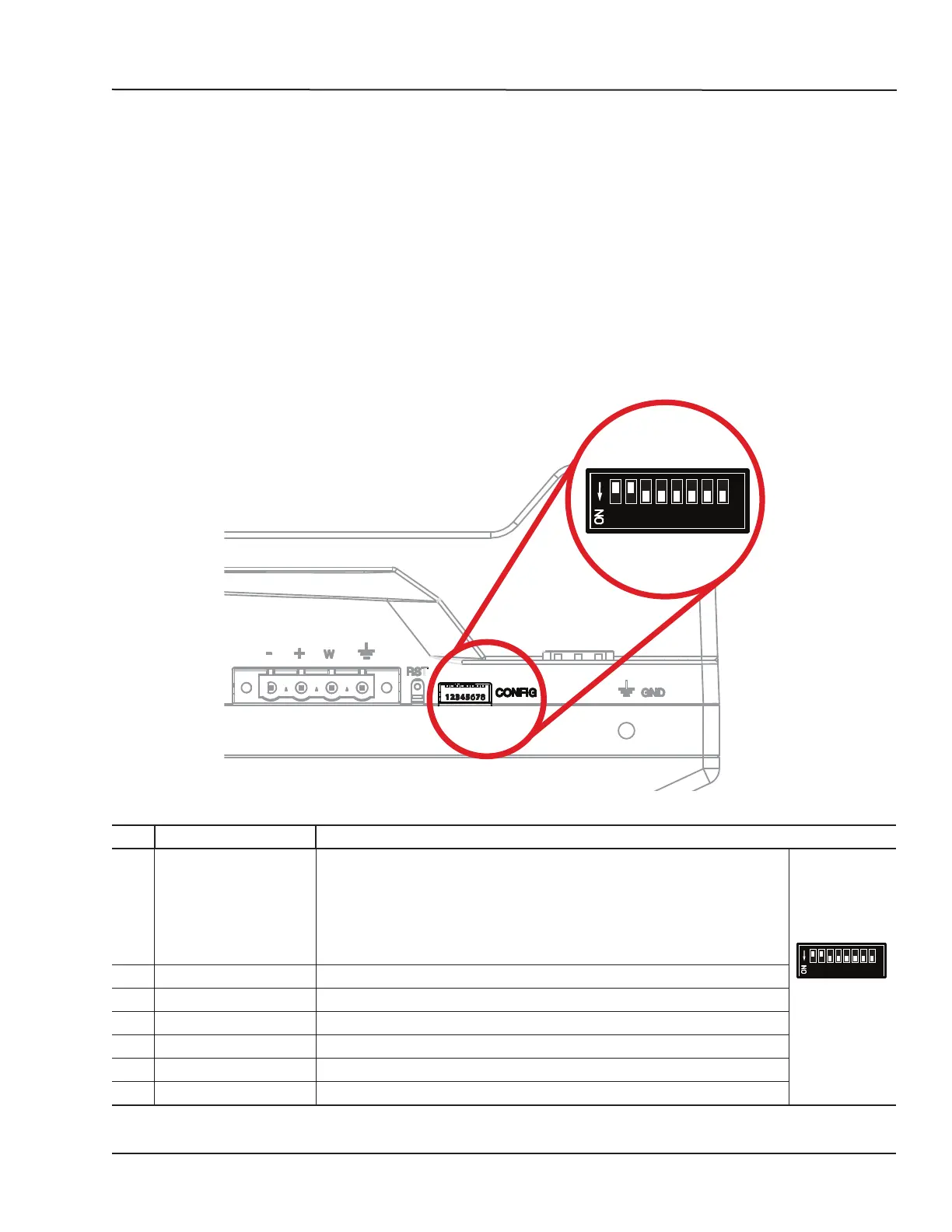
DIP switches on the OP4200 make it possible to set various boot and operation parameters.
After a Reset, the boot mode switches are read to determine the primary boot device used (default
mode is boot from SD card).
1 2 3 4 5 6 7 8
Figure 6: DIP Switch
SW # Description Functionality
1/2 Boot mode 0/1 Used in conjunction with switch #2, this selects the device to read at boot:
Boot Device Boot Mode 1 Boot Mode 0
JTAG ON ON
NAND ON OFF
QSPI OFF ON
uSD Card OFF OFF (default position)
1 2 3 4 5 6 7 8
ON = down,
Off = up
3 Console Enable Service When set to ON, RS232 port 0 is set in terminal mode
4 N/A NOT USED
5 CAN1 Termination When set to ON the 120 ohm CAN termination is enabled for CAN port 0
6 CAN2 Termination When set to ON the 120 ohm CAN termination is enabled for CAN port 1
7 N/A NOT USED
8 N/A NOT USED



 To Next Page