96 Instruments, controls
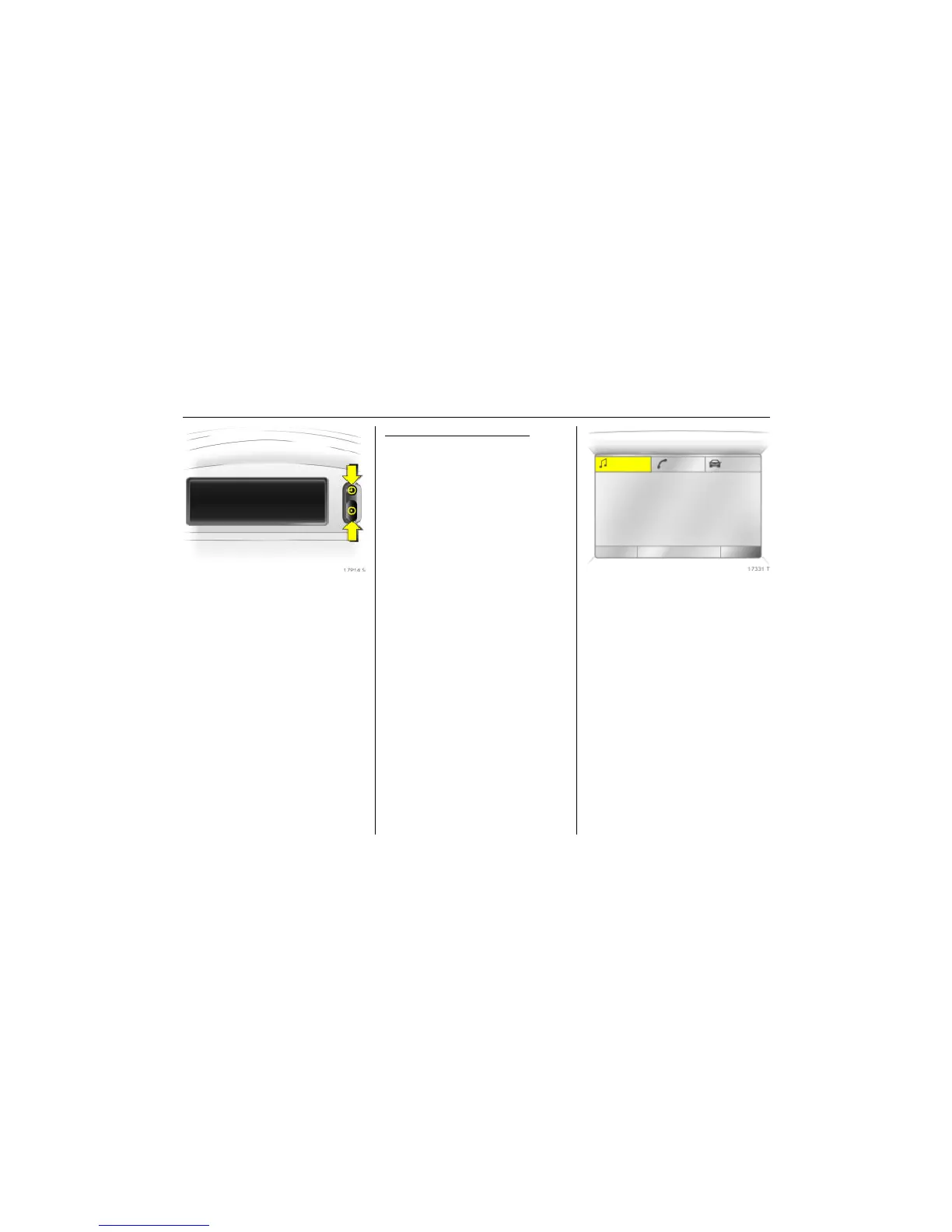
Picture no: 17914s.tif
Triple information display
Set date and time
The infotainment system 3 must be off.
Activate setting mode by holding the Ö
button depressed for about 2 seconds. The
flashing value is adjusted using the ;
button. The Ö button is used to switch to
the next unit and to exit setting mode.
Automatic time synchronisation
3
The RDS signal of most VHF transmitters
automatically sets the time. This can be
identified by } in the display.
Some transmitters do not send a correct
time signal. In such cases, we recommend
that you switch off automatic time
synchronisation.
Activate setting mode and set it to year
setting. Hold the Ö button depressed
about 3 seconds until } flashes in the
display and “RDS TIME" appears. The
function is activated (RDS TIME 1) or
deactivated (RDS TIME 0) with the ;
button. Exit setting mode using the Ö
button.
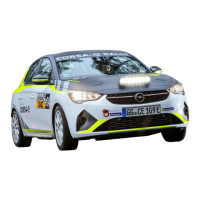
Picture no: 17331t.tif
Graphical information display 3
or Colour Information Display 3
Selecting functions
Functions and settings of the infotainment
system 3 and climate control system 3 are
accessed via the display.
Selections are made via the menus and
buttons, the multifunction button 3 of the
infotainment system or the left adjuster
wheel 3 of the steering wheel.
8:56 5,5°C
07.05.2008
FM AS [TP] REG CDin MP3
90.6
MHz
19,5° 19:36



 To Next Page