104 Instruments, controls
Picture no: 17348t.tif
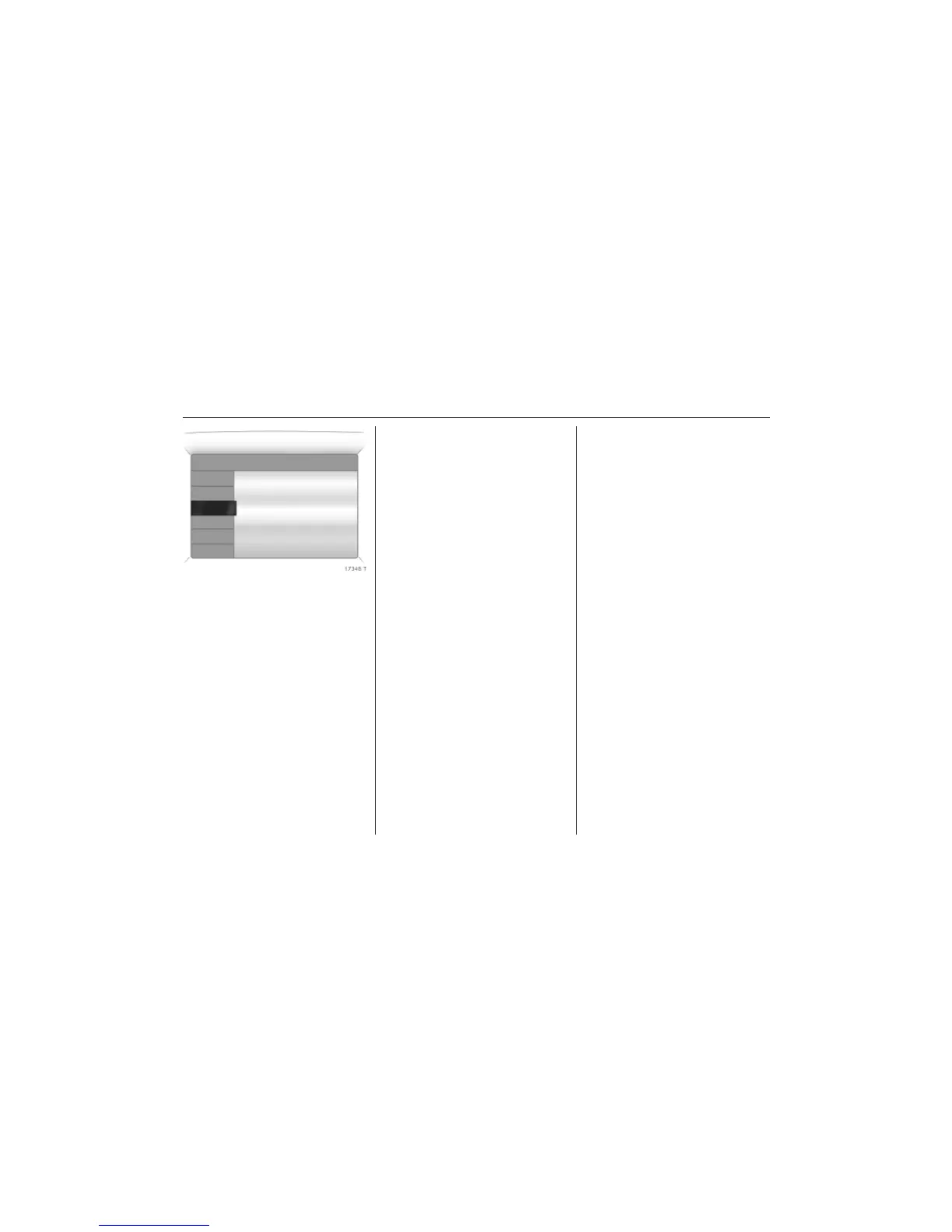
Stop watch
Select menu item Timer from the Board
Computer menu.
To start, select menu item Start. To stop,
select menu item Stop.
To reset, select menu item Reset.
The desired stop watch display can be
selected from the Options menu 3:
Driving Time excl. Stops
The time the vehicle is in motion is
recorded. Stationary time is not included.
Driving Time incl. Stops
The time the vehicle is in motion is
recorded. The time the vehicle is stationary
with the key in the ignition switch is
included.
Travel Time
Measurement of the time from manual
activation via Start to manual deactivation
via Reset.
Check control 3
Check control monitors the remote control
battery, the brake lamp switch, as well as
important exterior lamps, including the
cable and fuses.
Warning messages appear on the display.
If there are several warning messages, they
are displayed one after the other.
Some of the warning messages appear on
the display in an abbreviated form.
Ü Board Computer 19,5° 19:36
BC 1
BC 2
00:00:00
Timer
Start
Reset
Options



 To Next Page