103Instruments, controls
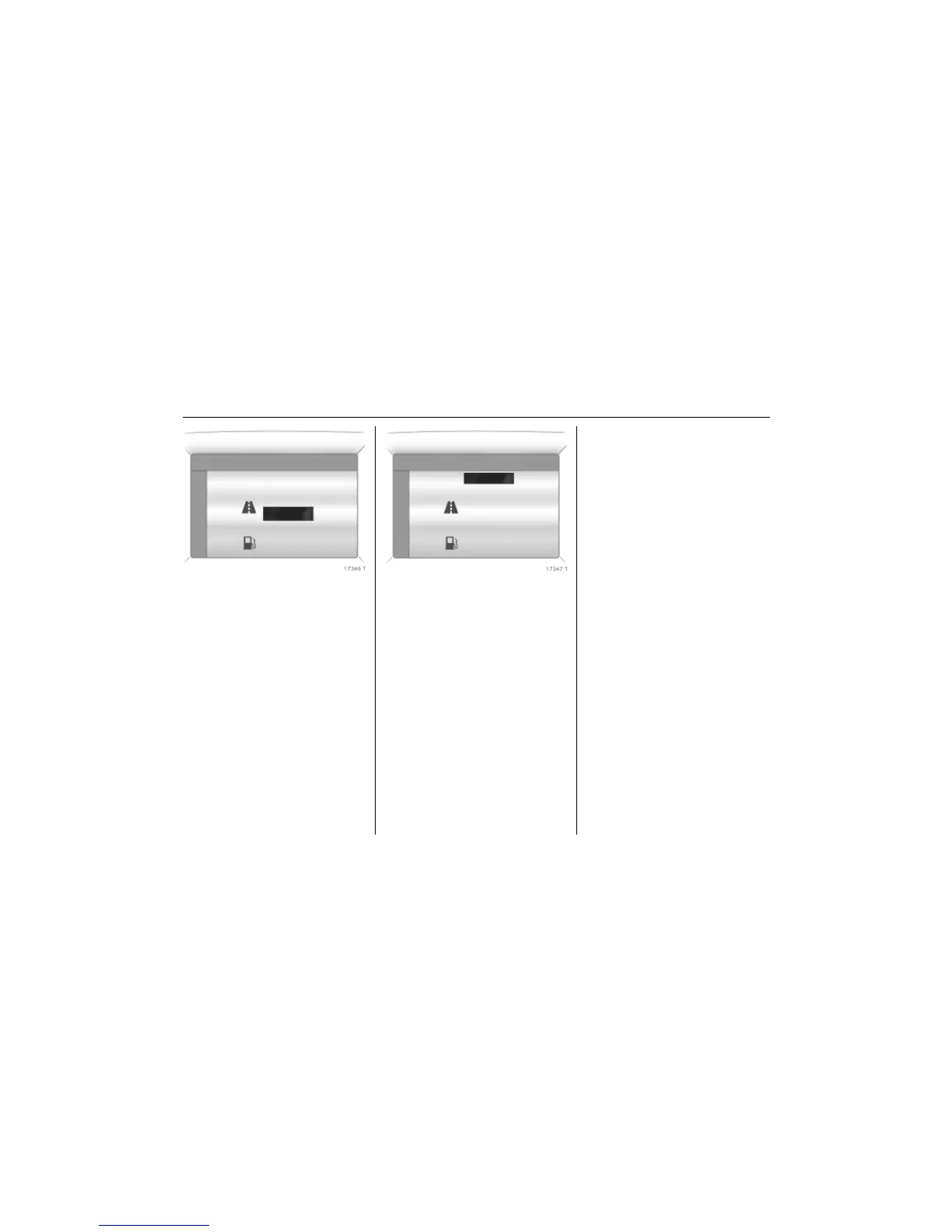
Picture no: 17346t.tif
The information of the two trip computers
can be reset separately, making it possible
to evaluate data from different time
periods.
Select the desired trip computer
information.
Picture no: 17347t.tif
To reset all information of a trip computer,
select menu item All values.
After resetting, "- - -" is displayed for the
selected trip computer information. The
recalculated values are displayed after a
brief delay.
Ü Reset BC 1 19,5° 19:36
All values
257.0 km
Ø40km/h
31.0 Ltr.
Ø 7.0 L/100km
Ü Reset BC 1 19,5° 19:36
All values
257.0 km
Ø40km/h
31.0 Ltr.
Ø 7.0 L/100km



 To Next Page