101Instruments, controls
Picture no: 17344t.tif
Graphical Information Display 3
or Colour Information Display 3,
trip computer 3
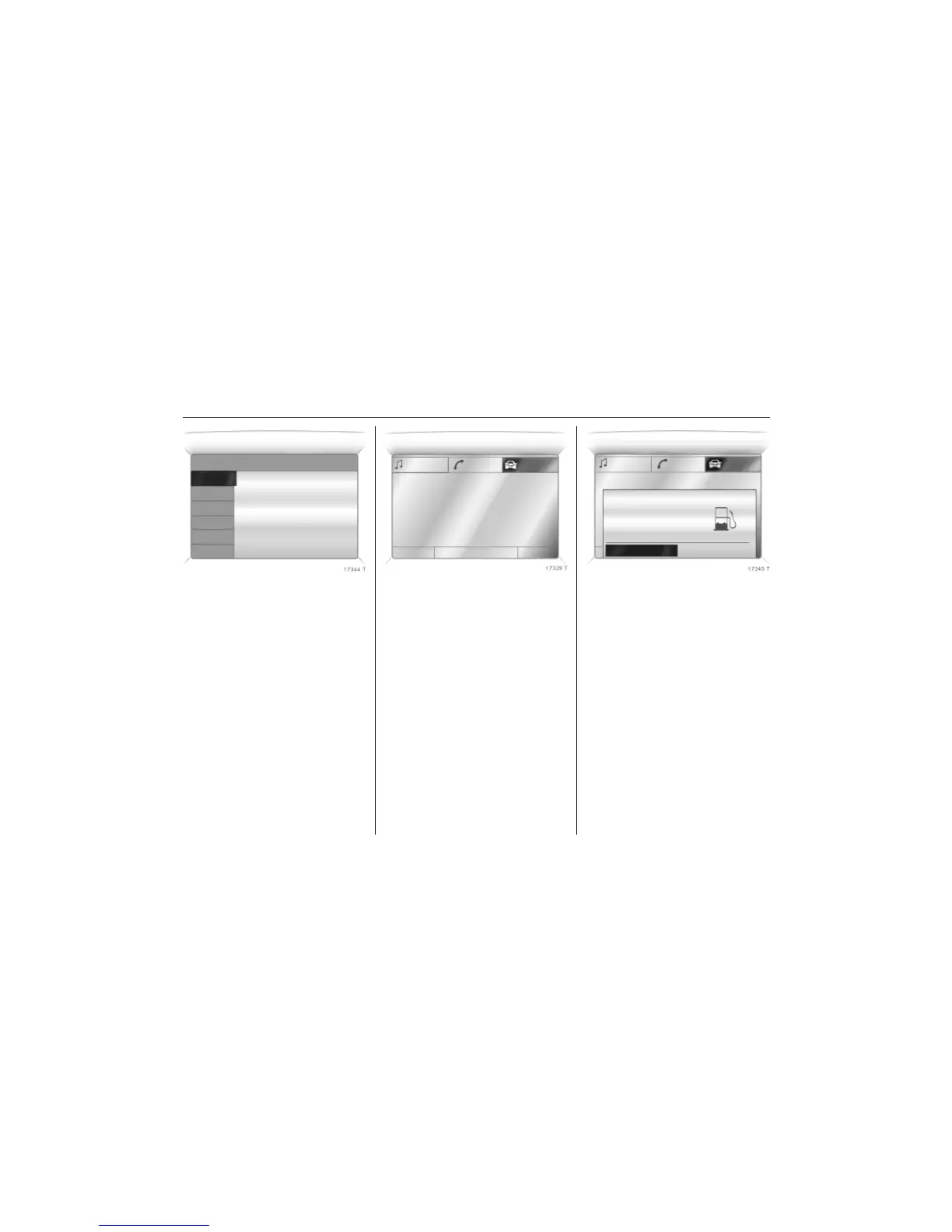
The main trip computer display provides
information about the range, average
consumption 3 and current consumption
of BC 1.
To display other trip computer data,
press the BC button on the infotainment
system 3, select the trip computer menu
Board Computer on the display or press
the left hand adjustment wheel 3 on the
steering wheel.
Select BC 1 or BC 2 from the trip computer
menu.
Picture no: 17329t.tif
Range
Range is calculated from current fuel tank
content and instantaneous consumption.
The display shows average values.
After refuelling, the vehicle updates the
range automatically after a brief delay.
Picture no: 17345t.tif
If the fuel in the tank will allow less
than 50 km of travel, the message
Range appears in the display.
If the fuel in the tank will allow less
than 30 km of travel, the message
Please refuel! 3 appears in the display.
Ü Board Computer 19,5° 19:36
BC 1 All values
BC 2
257.0 km
Timer
Ø40km/h
31.0 Ltr.
Ø 7.0 L/100km
1
8
Range
257
km
Aver. Consump.
7.0
L/100km
Inst. consumpt.
7.6
L/100km
19,5° 23° 5 Eco x 19:36
Range
33km
OK



 To Next Page