100 Instruments, controls
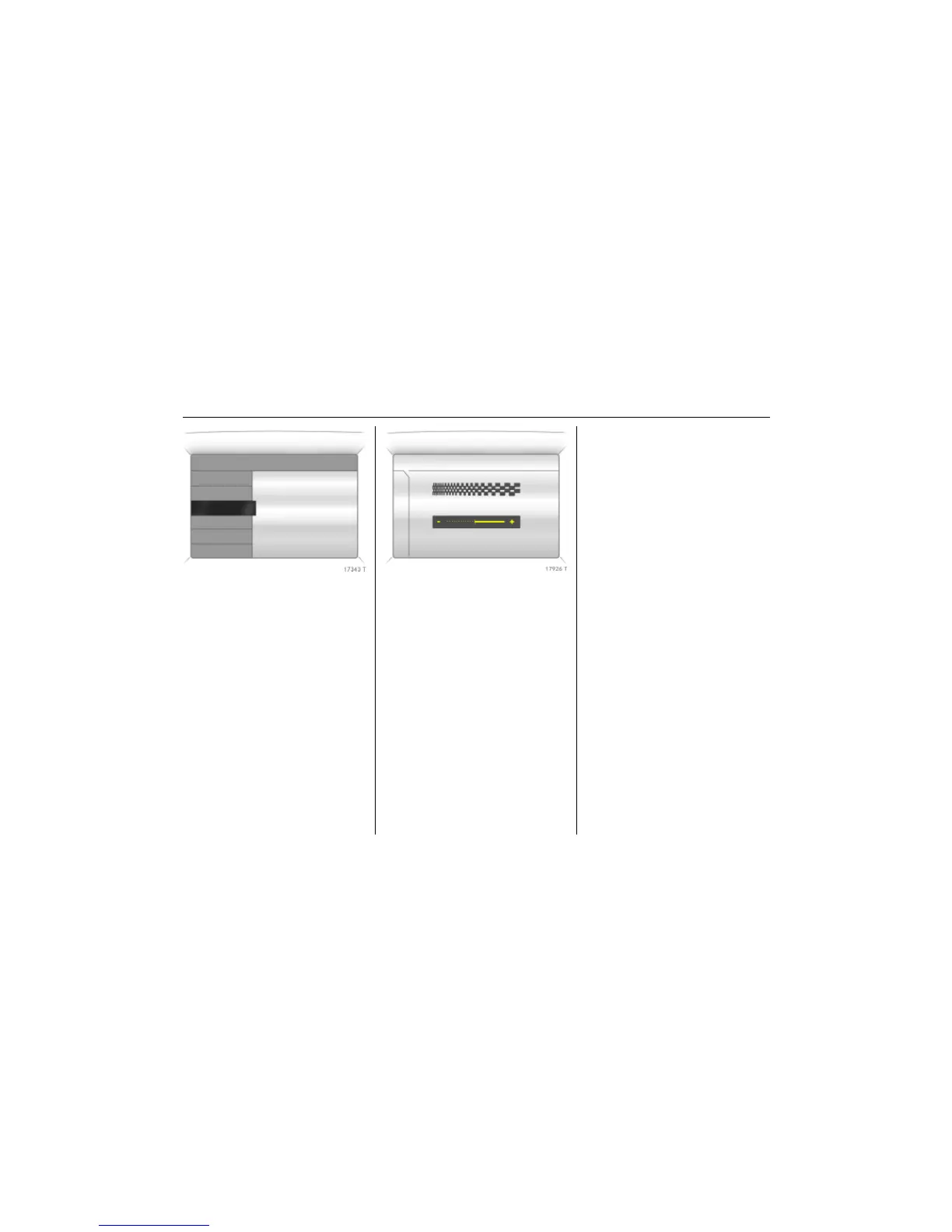
Picture no: 17343t.tif
Setting units of measure
Select menu item Units from the Settings
menu.
Select the desired unit.
Selections are indicated by a o in front of
the menu item.
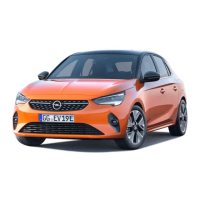
Picture no: 17926t.tif
Adjusting contrast 3
(Graphical Information Display)
Select menu item Contrast from the
Settings menu.
Confirm the required setting.
Setting display mode 3
Display brightness is independent of
vehicle lighting. Settings are made as
follows:
Select menu item Day / Night from the
Settings menu.
Automatic: adapted based on vehicle
lighting.
Always day design: black or coloured text
on light background.
Always night design: white or coloured
text on dark background.
Selections are indicated by a o in front of
the menu item.
Ignition logic 3
See infotainment system instructions.
7 Settings 19,5° 19:36
Time, Date
Language
! Europe-SI
Units
" Japan
Contrast
" Great Britain
Day / Night
" USA
! Ign. logic
7 Contrast 19,5° 19:36
12



 To Next Page