98 Instruments, controls
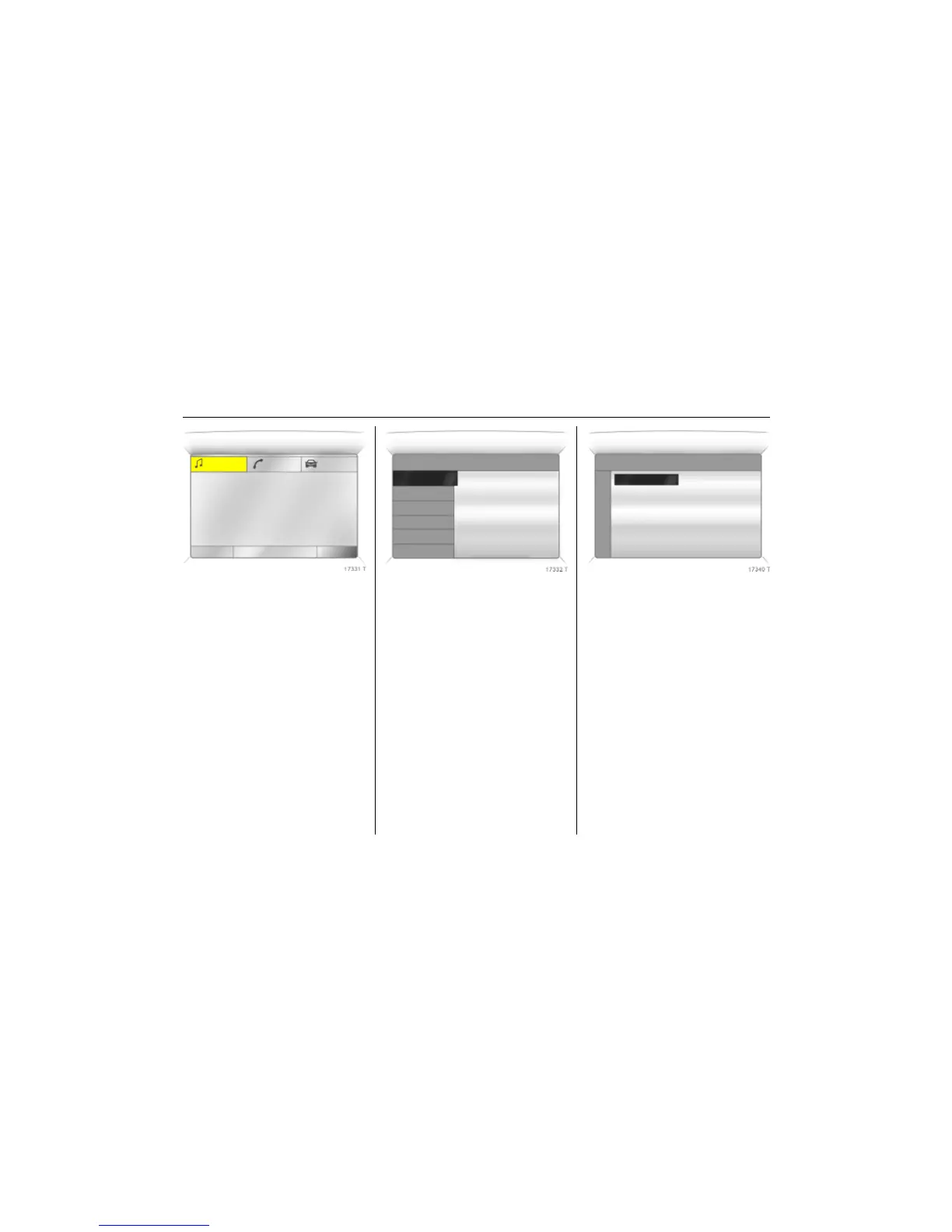
Picture no: 17331t.tif
Function areas
For each functional area there is a main
page (Main), which is selected at the top
edge of the display (not with the
Infotainment system CD 30 or the Mobile
Phone Portal):
z Audio,
z Navigation 3,
z Telephone 3,
z Trip computer 3.
For Audio, Navigation 3 and Telephone 3
functions – see infotainment system
instructions.
Picture no: 17332t.tif
System settings
Press the Main button 3 of the
infotainment system.
Press the Settings button of the
infotainment system. On Infotainment
System CD 30, make sure no menu has
been selected.
Picture no: 17340t.tif
Setting date and time 3
Select menu item Time, Date, from the
Settings menu.
Select the required menu item and make
setting.
FM AS [TP] REG CDin MP3
90.6
MHz
19,5° 19:36
7 Settings 19,5° 19:36
Time, Date 19:36
Language
Units 07.05.2008
Contrast
Day / Night
! Ign. logic
7 Time, Date 19,5° 19:36
Time 19:36
Date 07.05.2008
! Synchron. clock automatical.



 To Next Page